
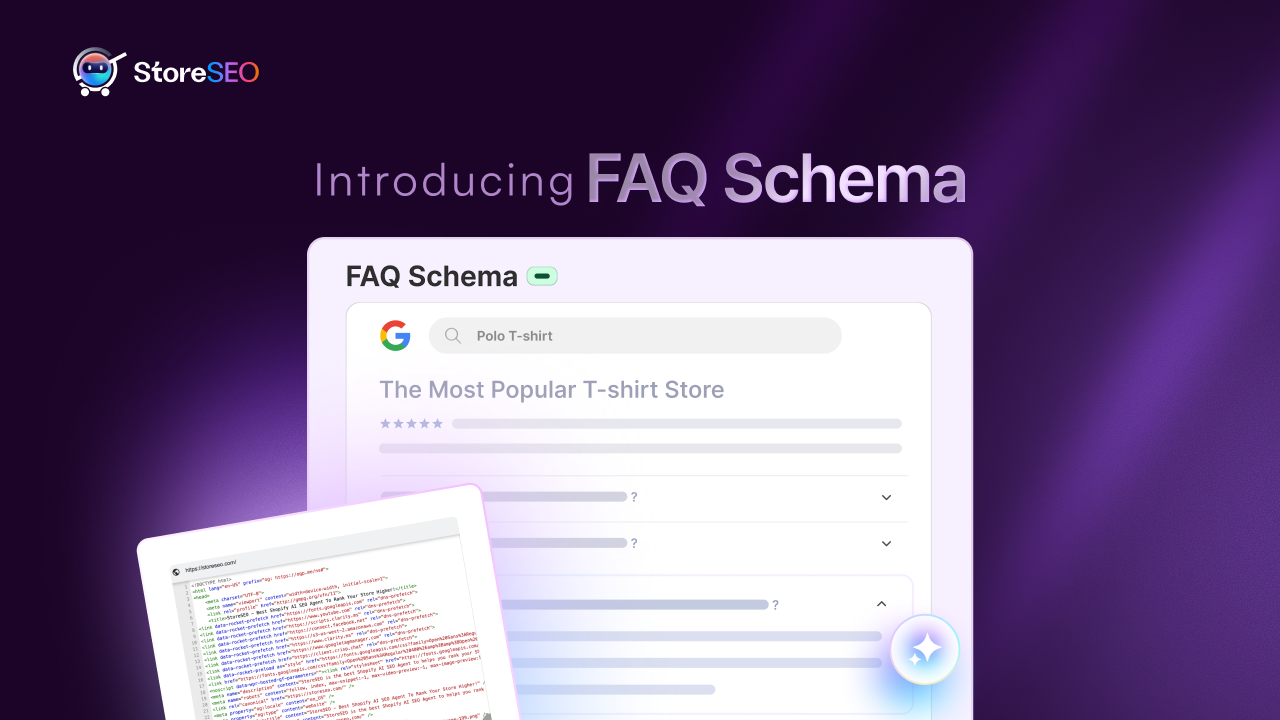
The way people find, consume, and interact with information online is changing faster than ever. FAQ Schema for Shopify stores can help you in this. Traditional “ten blue links” search results are giving way to rich snippets, conversational search, and AI-powered summaries. Modern shoppers do not always click a link to look for answers; they expect them to be directly available in the search results or through AI assistants.
This shift means Shopify merchants must optimize not just for search engines, but for understanding. That is where the FAQ Schema for Shopify stores comes in.
In this blog, we will show you, step-by-step, how to activate, optimize, and scale FAQ Schema using StoreSEO powered with AI FAQ Generator inside the feature, for better visibility, engagement, and conversion on your Shopify store.
FAQ Schema Enhance AI Search Results of Shopify Stores
FAQ Schema is a type of structured data markup added to your webpages to help search engines easily interpret your frequently asked questions and answers.
When implemented correctly, search engines like Google, Bing, and Yandex can display these Q&A snippets directly on the SERP (Search Engine Results Page). This not only makes your listing more informative but also boosts its visual appeal and trust factor.
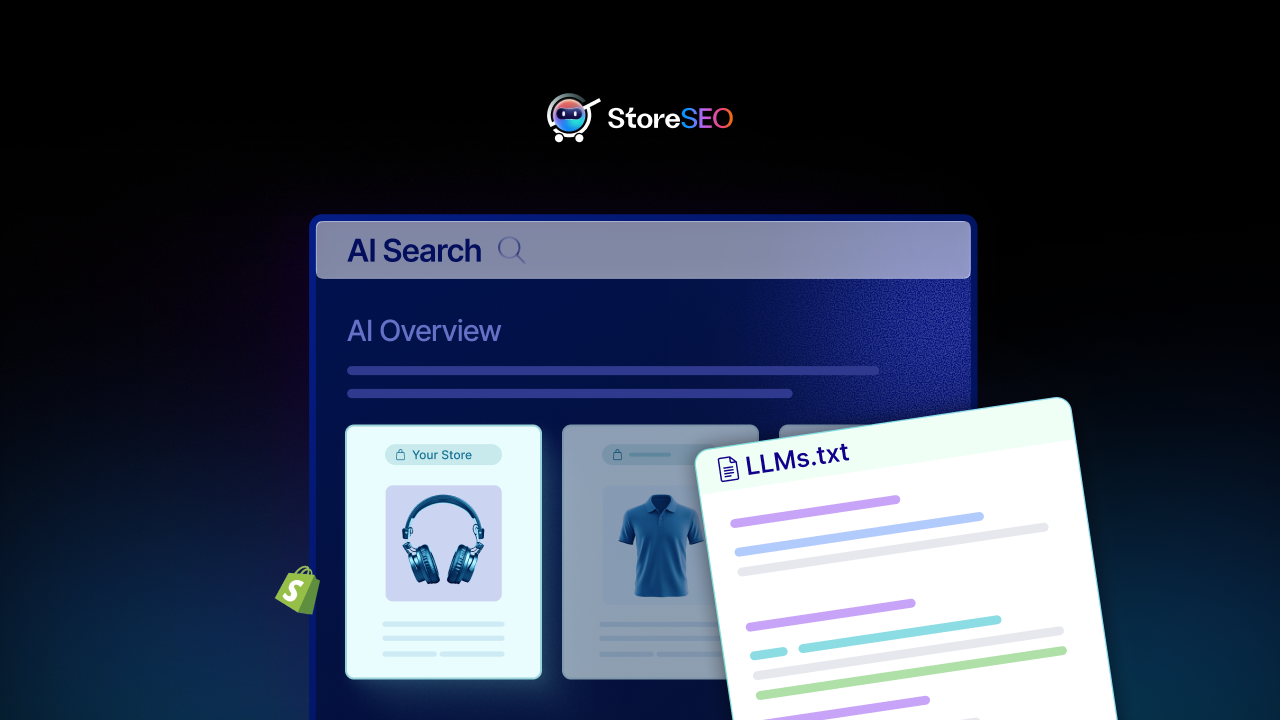
In the AI era, this advantage goes beyond Google. Large Language Models (LLMs) such as ChatGPT, Perplexity, and Grok pull directly from structured and contextually rich data sources.
By using the FAQ Schema for Shopify Stores on your product pages, you provide these AI systems with the semantic signals they need to display your brand as the authoritative source.
It helps make your content more AI-friendly by clearly structuring information that LLMs can easily parse.
4 Strategic Benefits of Implementing FAQ Schema for Shopify Stores
SEO Schema brings multiple layers of value from powerful SEO gains to improved user experience and brand perception. Implementing FAQ Schema is not just about visibility; it is about building meaningful search experiences that prioritize clarity, trust, and user intent.
Increased Search Visibility
Adding FAQ Schema makes your results stand out. Rich snippets visually occupy more space on the search page, allowing your store to push competitors further down the SERP. This expanded presence attracts more clicks organically and helps your listing command attention even in crowded keyword spaces.
Higher Click-Through Rates (CTR)
Shoppers appreciate quick answers. When users see your FAQs displayed directly under your page title in Google, they already find value in your content before visiting your website. This relevance increases the likelihood of a click, leading to significant improvements in your CTR without paid ads.
Building Authority and Trust
Transparency fosters trust. Addressing common buyer questions upfront—like shipping, product sizes, warranties, and return policies—positions your brand as reliable and customer-oriented. By answering questions right on the SERP, you establish credibility before the visitor even clicks in.
Reduced Customer Support Load
FAQ Schema also benefits your operations. Since customers find answers directly from search or product pages, it reduces redundant support inquiries, saving time and improving satisfaction.
Getting Started With StoreSEO for Using FAQ Schema
Before you begin adding structured data, ensure that the StoreSEO app is installed and connected to your Shopify store. This foundation allows you to activate and manage all schema types centrally, including FAQ Schema, Product Schema, Breadcrumbs, and more.
Step 1: Accessing the Schema Dashboard
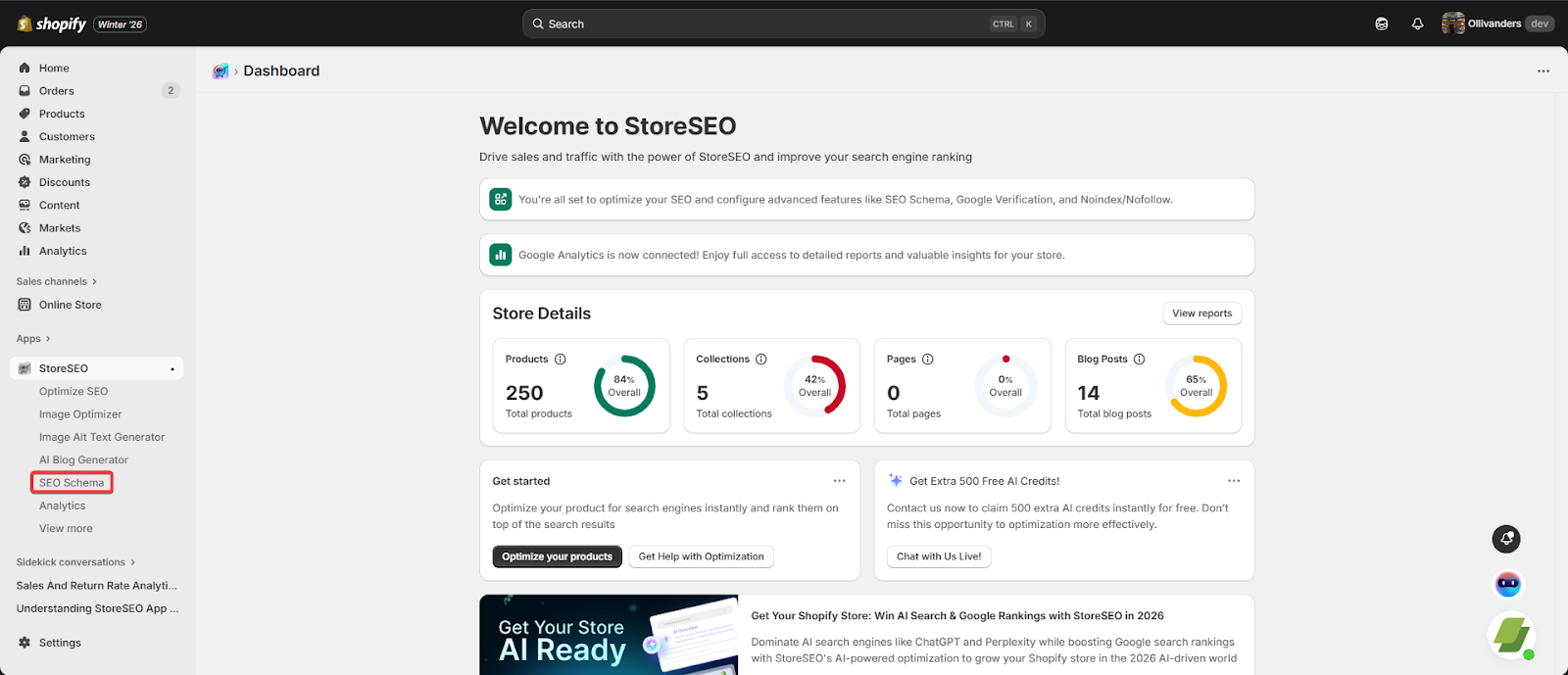
Inside StoreSEO, navigate to the “SEO Schema” tab from the dashboard menu. This section operates as your schema control hub, letting you enable, edit, or manage different structured data markups across your entire store.
Step 2: Activation
Find “FAQ Schema” in the list of available markup types and click the “Turn On” toggle beside it. Once activated, the feature automatically becomes accessible within your product detail pages through StoreSEO’s SEO optimization panel.
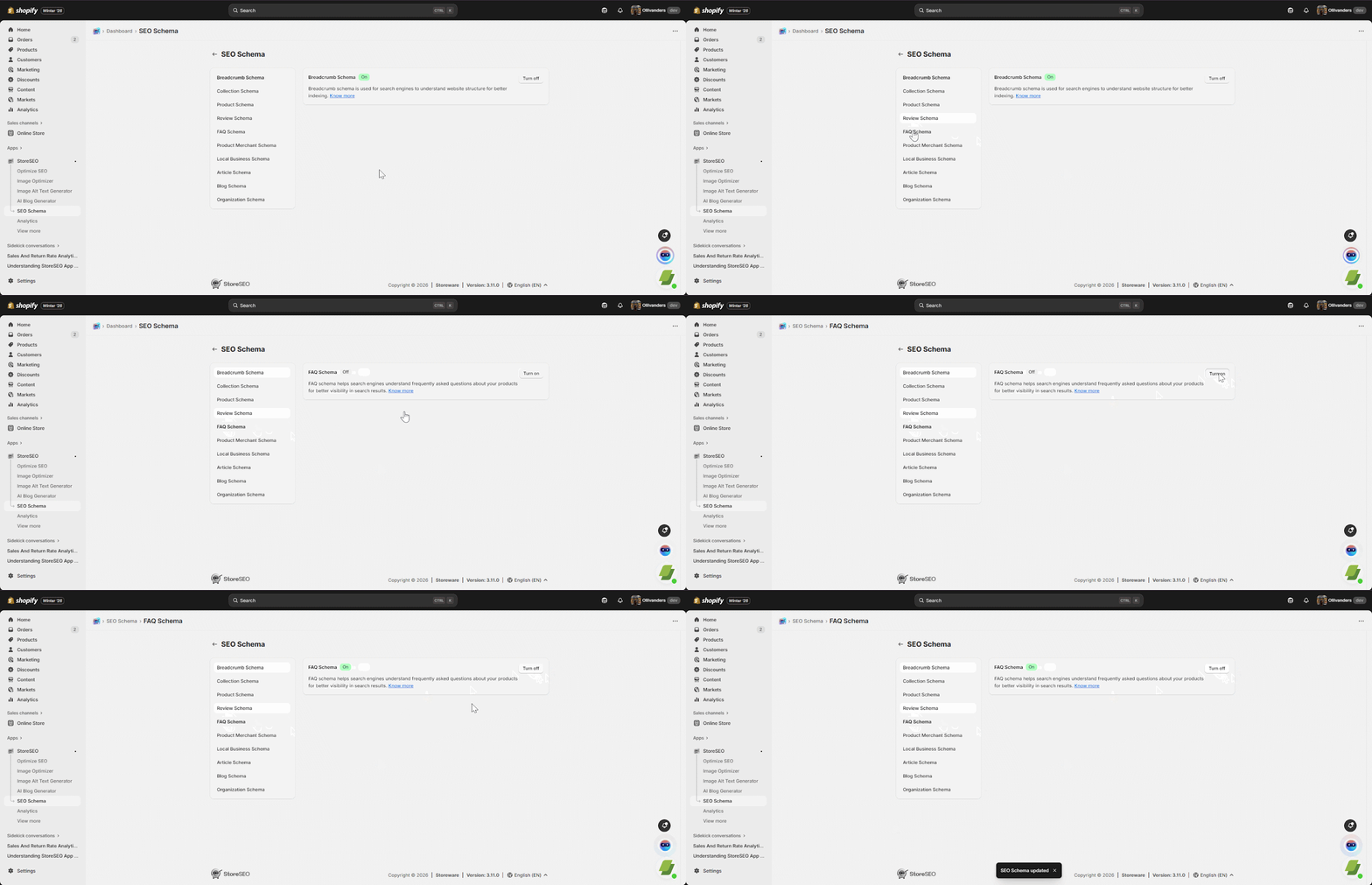
By turning on the feature, StoreSEO instantly integrates FAQ Schema markup into your store’s source code via JSON-LD formatting. This eliminates the need for manual coding or external schema generators—making structured data management accessible to everyone, regardless of technical background.
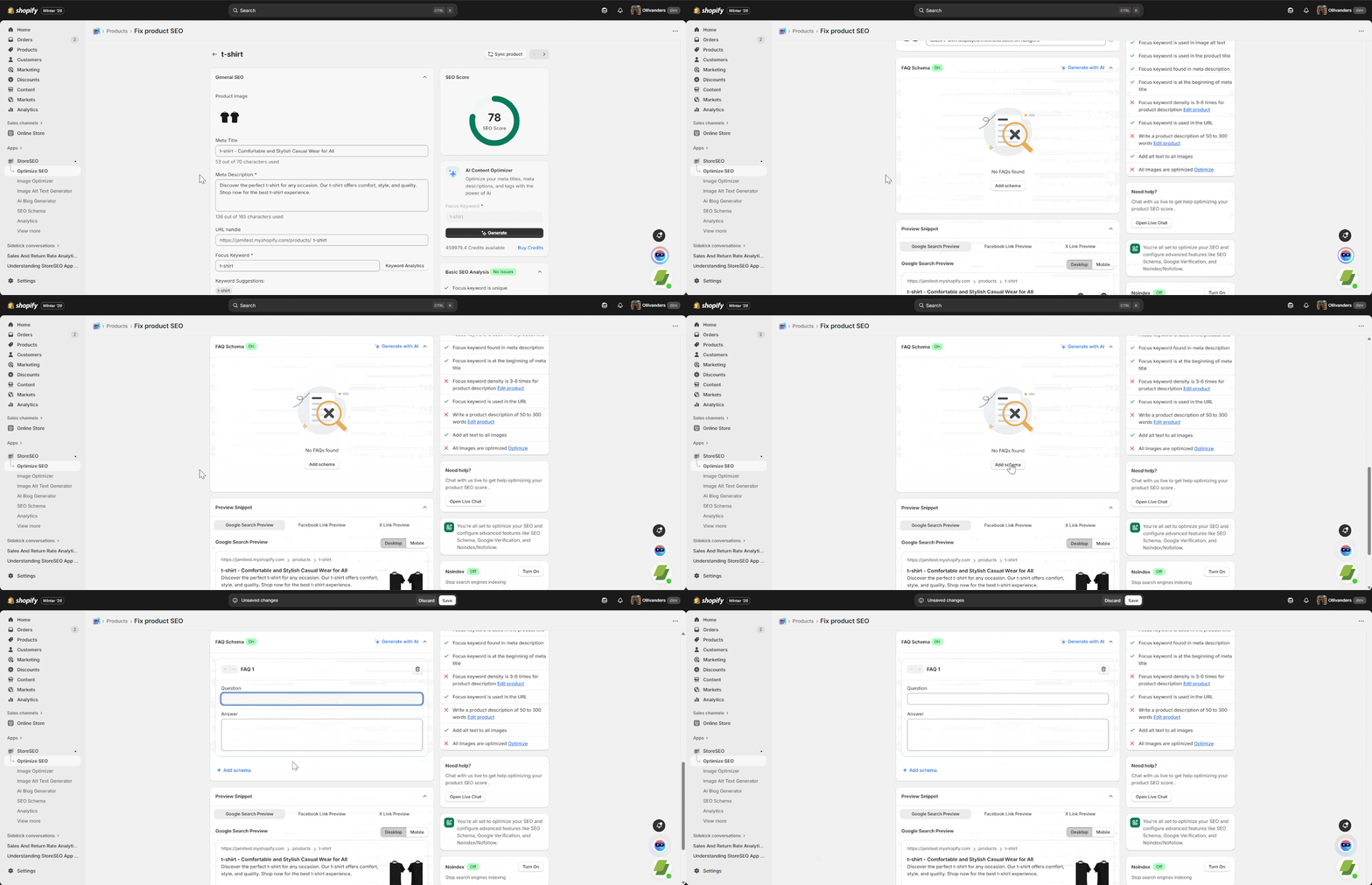
From this point, you are ready to start adding product-specific FAQs that can appear in Google and AI-driven search results.
For detailed documentation on this feature, kindly read the full documentation here.
Future-Proofing Your Shopify Store
By implementing FAQ Schema for Shopify stores today, you future-proof your business for tomorrow.
Head to your StoreSEO dashboard, activate the feature, review your top-performing product pages, and start enhancing their visibility right now. Each FAQ you add not only improves user experience but also strengthens your connection to the evolving AI-driven search ecosystem.
Have you found our blog about the FAQ Schema for Shopify Stores useful? If you do, then please subscribe to our blog for more tutorials, guides, news, and updates.