
How to Get Your Shopify Products Featured in Google’s AI Overviews

Google Search is changing fast. Instead of a list of blue links, many shoppers now see an AI-generated summary, a handful of recommended products with cited sources, before traditional results even appear.
For Shopify merchants, this changes what “ranking” means. A page-one position is still valuable, but it no longer guarantees visibility. If Google’s AI summarizes an answer using a competitor’s products instead of yours, shoppers may never reach your store.
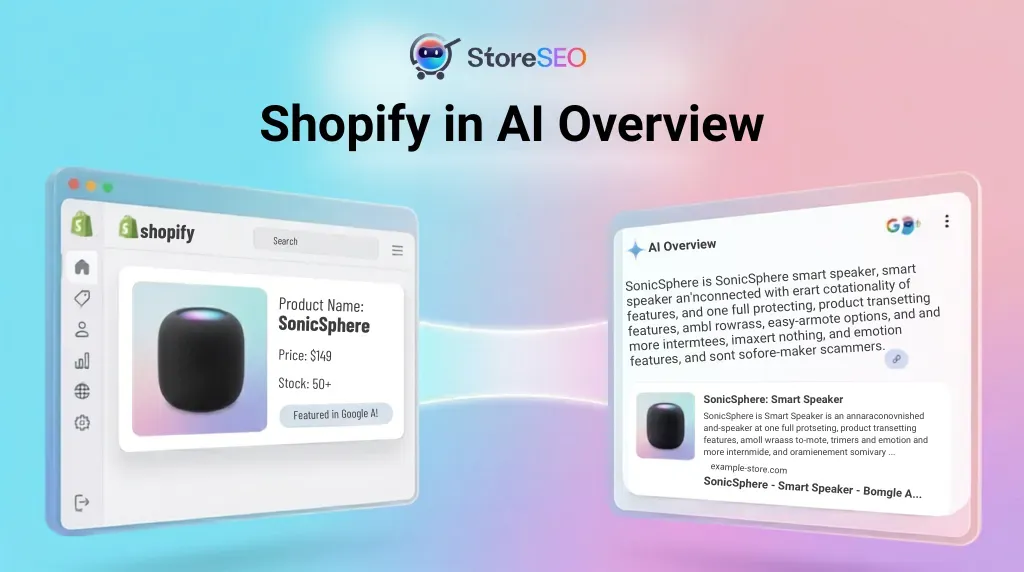
The good news: appearing in AI Overviews isn’t random. Google’s AI rewards clear product data, trustworthy content, structured information, and solid technical SEO. This guide covers exactly how to build all four into your Shopify store.
TL;DR: Five Things to Fix First
- Complete your Product Schema — accurate pricing, availability, GTIN, and review data.
- Sync your Google Merchant Center feed with your live Shopify catalog.
- Write pages that answer questions directly so AI can quote them cleanly.
- Build trust through authentic reviews and real product experience.
- Keep everything updated — pricing, stock, and structured data should never go stale.
What Are Google AI Overviews, And Why Do They Matter?
AI Overviews are AI-generated answers that appear above standard search results, summarizing multiple trusted sources and often recommending specific products directly in the SERP. Someone searching “water bottle” may get an instant AI answer citing only a few sources, and if you’re not one of them, your competitor gets the click.
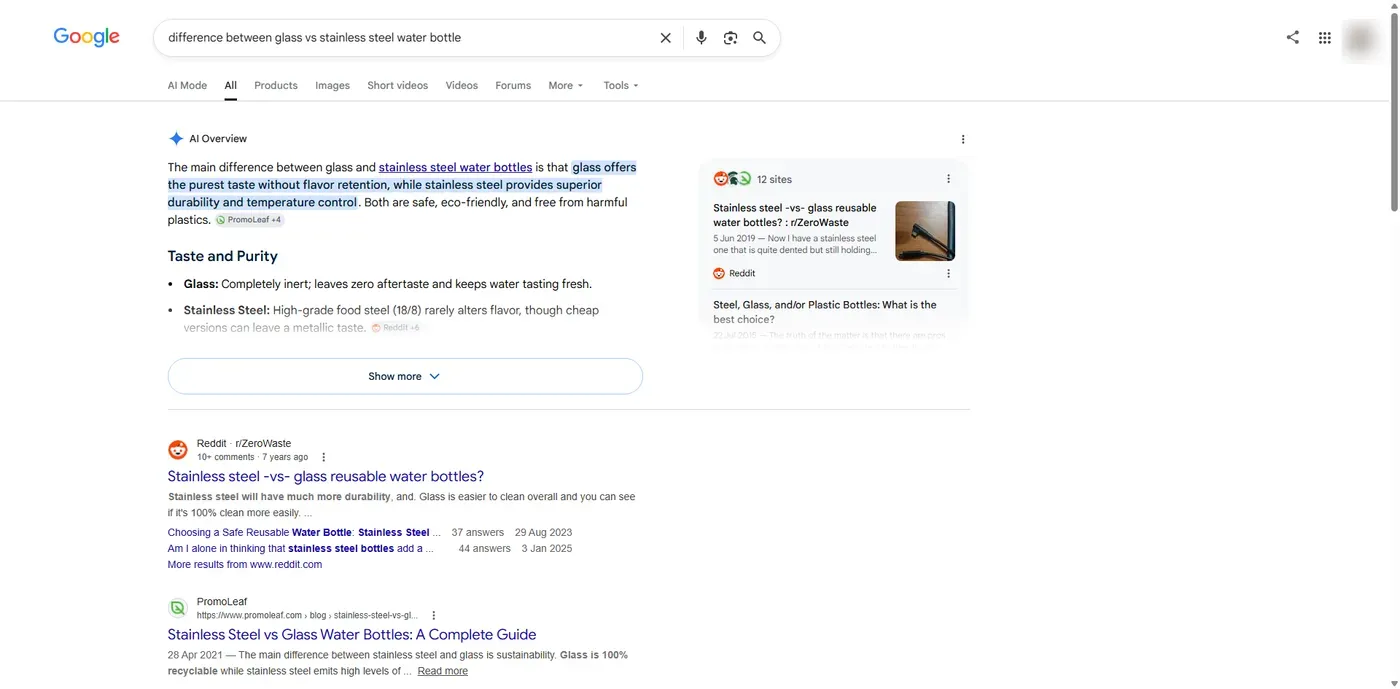
Google’s AI Overviews are also expanding fast: industry tracking found they went from appearing on roughly 30% of tracked queries in early 2025 to nearly 48% by early 2026, with ecommerce queries following the same trend.
Importantly, ranking #1 organically doesn’t guarantee a citation. Google’s AI evaluates far more than keyword position. It looks for clear answers, reliable data, complete structured markup, and strong trust signals. A product ranking fifth can still be cited if it’s easier for the AI to understand and trust.
Google pulls AI Overview information from several places at once: your product/collection pages, your Merchant Center feed, the Shopping Graph, structured data, reviews, and core search signals. Optimizing just one area rarely moves the needle. Google looks for consistency across your whole store.
1. Structured Data: The Foundation Everything Else Sits On
If Google can’t clearly parse your product, it can’t confidently recommend it. Schema markup acts as a translator between your storefront and Google’s AI, turning visual product pages into machine-readable fields like name, brand, price, availability, and GTIN.
Every product page should include:
| Property | Why It Matters |
| Product Name | Correct identification |
| Description | Context for what you sell |
| Images | Visual + AI understanding |
| Brand | Verification |
| Price & Currency | Removes pricing ambiguity |
| Availability | Purchasability |
| Product URL | Canonical reference |
| SKU / GTIN / MPN | Cross-database verification |
If you collect reviews, also add AggregateRating, Review, and Review Count — strong trust signals for AI evaluation.
Most Shopify themes (including Dawn) generate basic schema automatically, but usually skip shipping details, return policy, GTIN, and aggregate ratings. Filling these gaps is often the fastest visibility win available, since it doesn’t require writing new content, just completing what you already have.
Before publishing, validate everything with Google’s Rich Results Test. Keep a close eye out for frequent technical discrepancies, such as price data mismatches between your schema code and the visible storefront text, laggy or outdated inventory availability states, missing unique global identifiers, and accidental code breaks caused by theme updates or app installations
2. Google Merchant Center: Where Google Verifies What You Say
Your Google Merchant Center (GMC) feed acts as Google’s ultimate ground truth for identical core data points found in your on-page schema, including active pricing arrays, live inventory availability, canonical product images, brand identity parameters, global gtin strings, and shipping logistics. This single feed continuously populates Google Shopping campaigns, organic free product listings, and dynamic AI Overviews simultaneously.
To ensure absolute marketplace authenticity, Google cross-references your incoming feed datasets against the Google Shopping Graph. This massive, interconnected product knowledge base actively parses exactly what an item is, evaluates every retail merchant currently selling it, and verifies whether your store maintains a high enough trust index to safely recommend to buyers
Consistency is everything. If your product page says $89 but your Merchant Center feed still says $79, or your site says “in stock” while the feed says otherwise, Google’s confidence drops. Review your account regularly for:
- Missing GTINs or identifiers
- Incorrect Google product categories
- Outdated prices or inventory mismatches
- Feed disapprovals or warnings
Treat feed health as a recurring task, not a one-time setup, especially as your catalog grows.
3. Write Pages Google’s AI Can Actually Quote
AI Overviews extract useful passages, not entire pages, so every important section should stand on its own and answer a real question directly.
- Weak: “Our backpack collection is designed with premium materials and innovative features.”
- Strong: “The TrailPro hiking backpack is built for long-distance hikers who need a lightweight, waterproof bag with 40L of storage.”
A simple content formula for product and collection pages:
- Define the product — what it actually is
- Name the audience — who it’s for
- Highlight differentiators — what makes it unique
- Answer buying questions — assembly, materials, warranty, shipping, sizing
Don’t overlook collection pages — they often match broad discovery searches like “best running shoes for beginners.” Turn them into buying guides, not just product grids, and add comparison content (“cotton vs. linen for summer,” “8GB vs. 16GB RAM”) since AI search leans heavily on comparison queries.
Also, make sure to avoid copy-pasted manufacturer descriptions, keyword stuffing, burying key details in tabs/images the AI can’t read, and writing only for search engines instead of people.
4. Use FAQs to Match How Shoppers Actually Search
Shoppers increasingly ask full questions (“Are noise-canceling headphones worth it for office use?”) rather than typing keywords. FAQs are a natural fit because they mirror that question-and-answer format directly.
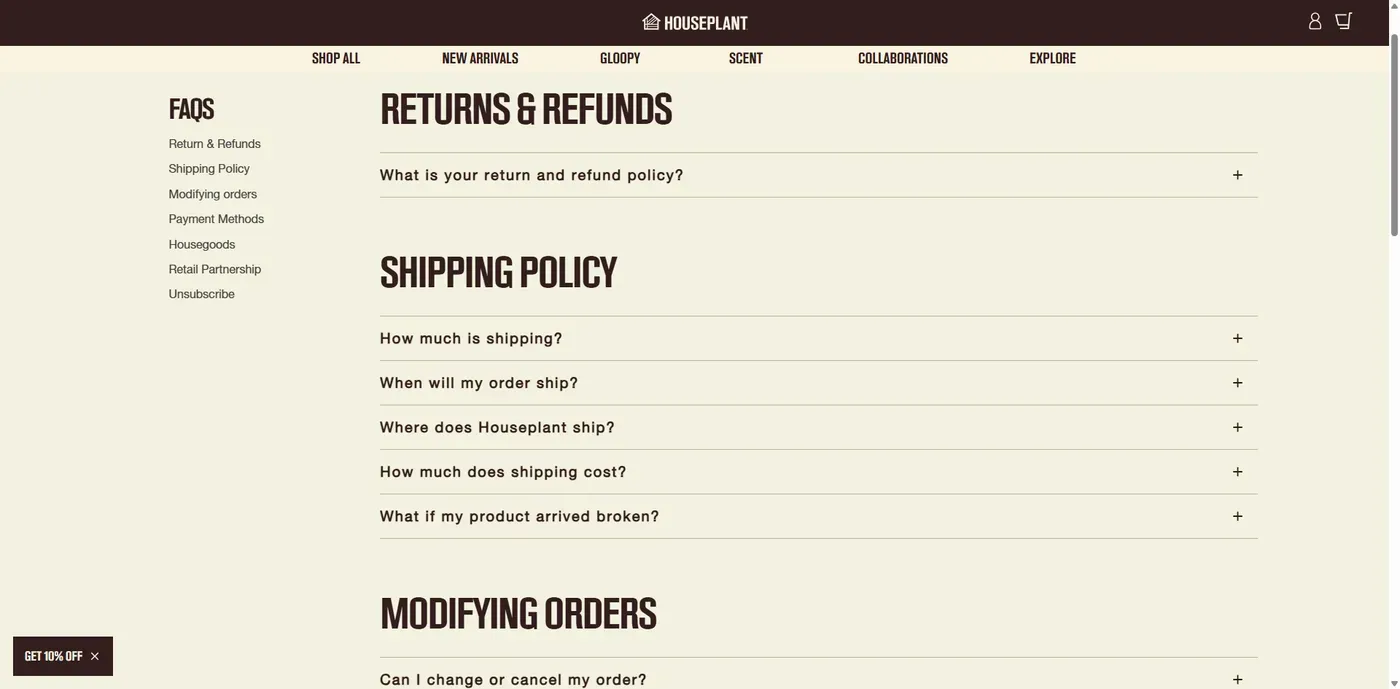
Source: HOUSEPLANT
Guidelines:
- 5–10 FAQs on product pages, 5–15 on collections
- Pull real questions from support tickets, reviews, and “People Also Ask”
- Write specific, complete answers — not “Yes, it is.”
- Add FAQ Schema only after the content itself is genuinely useful
Avoid duplicating identical FAQs across hundreds of products and customize per product type, and keep answers current as policies or features change.
5. Build E-E-A-T: Prove You Are a Trustworthy Source
Google’s AI needs confidence before recommending a product, and that confidence comes from Experience, Expertise, Authoritativeness, and Trustworthiness signals.
- Show first-hand experience: how you tested the product, real usage details, not generic manufacturer copy.
- Encourage specific reviews: “Kept my electronics dry on a 5-day hike in heavy rain” beats “Great product!”
- Build authority with helpful content: buying guides, comparisons, how-tos related to your niche.
- Be transparent: clear About, Contact, Shipping, Return, and Warranty pages.
- Credit real expertise: author bios or expert review where genuinely applicable.
Avoid generic descriptions, unsupported superlative claims (“world’s best,” “guaranteed results”), and hiding the people behind your brand.
6. Do Not Skip Technical SEO
AI search builds on top of technical SEO; it doesn’t replace it. Google still needs to crawl, render, and index your pages before it can recommend them.
- Core Web Vitals: compress images, cut unnecessary apps/scripts, lazy-load non-critical content (watch LCP, INP, and CLS).
- Crawlability: confirm your sitemap, robots.txt, and canonical tags aren’t blocking important pages.
- Internal linking: connect blog → collection → product pages to show topical relationships.
- Image SEO: descriptive file names and alt text (waterproof-black-hiking-backpack.jpg instead of IMG_4829.jpg).
- Semantic structure: clear headings, short paragraphs, and crawlable text instead of content locked in images or scripts.
7. Keep Everything Fresh
AI Overviews often surface specific details like price, stock, features. So stale data creates a bad experience and erodes trust in your store as a source.
A simple maintenance cadence:
- Weekly: check availability, Merchant Center issues, major price changes
- Monthly: review top product pages, new questions, new reviews, SEO errors
- Quarterly: refresh descriptions, guides, FAQs, and outdated stats
Always update Schema alongside any visible content change; mismatched data is worse than no data.
8. Use Shopify SEO App Like StoreSEO to Manage It All at Scale
The SEO strategies covered above are manageable when you have a small product catalog. But as your Shopify store grows to hundreds or thousands of products, manually optimizing every page, updating metadata, fixing image alt text, and maintaining structured data becomes time-consuming and difficult to maintain.
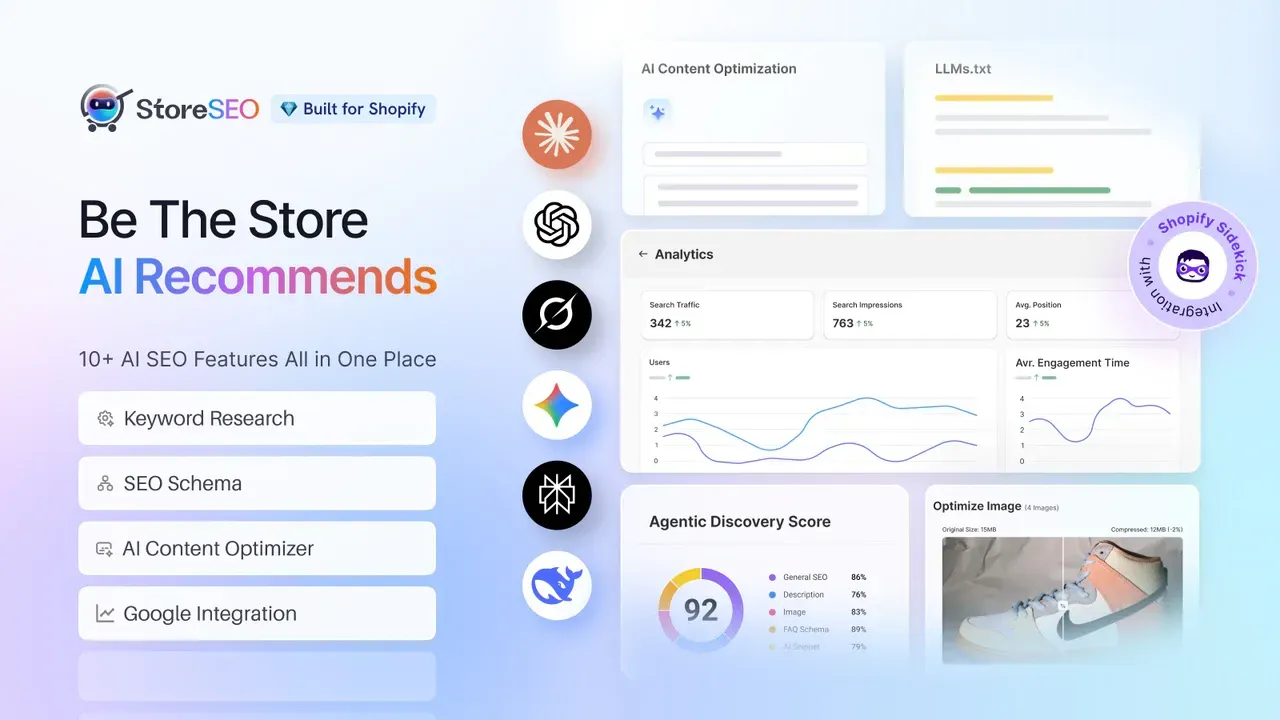
This is where a Shopify SEO app like StoreSEO can help you streamline ongoing optimization with AI-powered assistance. StoreSEO helps merchants handle essential SEO tasks at scale, including:
- Adding product schema automatically to help search engines better understand your products and improve eligibility for rich results.
- Generating llms.txt to make your store content easier for AI search engines and assistants to understand.
- Identifying AI-powered content improvement opportunities for product and collection pages to improve relevance and visibility.
- Optimizing image alt text and SEO metadata in bulk without editing every product page manually.
- Managing SEO health from a single dashboard instead of relying on scattered spreadsheets and manual audits.
StoreSEO does not replace your SEO strategy or product expertise. Instead, it removes repetitive technical work and helps you execute your SEO plan more consistently as your Shopify store grows.
A Practical Rollout Order
Trying to overhaul an entire Shopify storefront at once is a recipe for broken tags and indexing errors. To execute this strategy cleanly, treat your deployment as a sequential, multi-phase roadmap:
- Fix product data — validate schema on your best-selling pages first
- Clean up Merchant Center — resolve warnings and mismatches
- Rewrite key product/collection content — clear, question-first language
- Add trust signals — reviews, About page, transparent policies
- Shore up technical SEO — speed, crawlability, image optimization
- Publish question-driven content — comparisons, buying guides
- Monitor and iterate — this is ongoing, not a one-time project
- Use Shopify SEO App — Shopify SEO apps like StoreSEO can help speed up metadata fixes, schema implementation and content optimization across large catalogs.
AI Visibility Starts with the Basics
AI SEO doesn’t replace traditional SEO; it extends it. A Shopify store with accurate structured data, a healthy Merchant Center feed, genuinely helpful content, and real trust signals already has what it needs to compete for AI Overview visibility. Start with the fundamentals, prioritize your highest-value pages, and keep everything current and that’s what earns citations over time.
Let us know your thoughts and if you found this blog helpful; subscribe to our blogs for more tips, guides and insights on Shopify SEO.
FAQs
Can Shopify products actually appear in AI Overviews?
Yes, when your product data is accurate, well-structured, and trustworthy across your site, schema, and Merchant Center feed.
Do I need to rank #1 to get cited?
No. AI Overviews weigh content clarity, structured data, and trust signals alongside, not instead of, organic ranking.
What’s the single highest-impact fix?
For most stores: completing and validating Product Schema, since it’s usually the fastest gap to close without writing new content.
How many FAQs should a product page have?
Typically 5–10, focused on real buying questions rather than SEO padding.
Does Shopify add Product Schema automatically?
Most themes add basic schema (name, price, availability) but usually miss reviews, shipping, and return details worth adding manually.
How often should product pages be updated?
Review top-performing pages quarterly at minimum, and any time pricing, stock, or features change.
Keep reading
Should You Noindex It? A Shopify Decision Tree
Noindex hides a Shopify page from Google's results while still letting it load; this table decides exactly which pages need the tag and which do not.
Read article
How Google Crawls a Shopify Store (One Diagram)
Googlebot finds a Shopify page through your sitemap or an internal link, fetches and renders it, then decides whether to keep it in the index at all.
Read article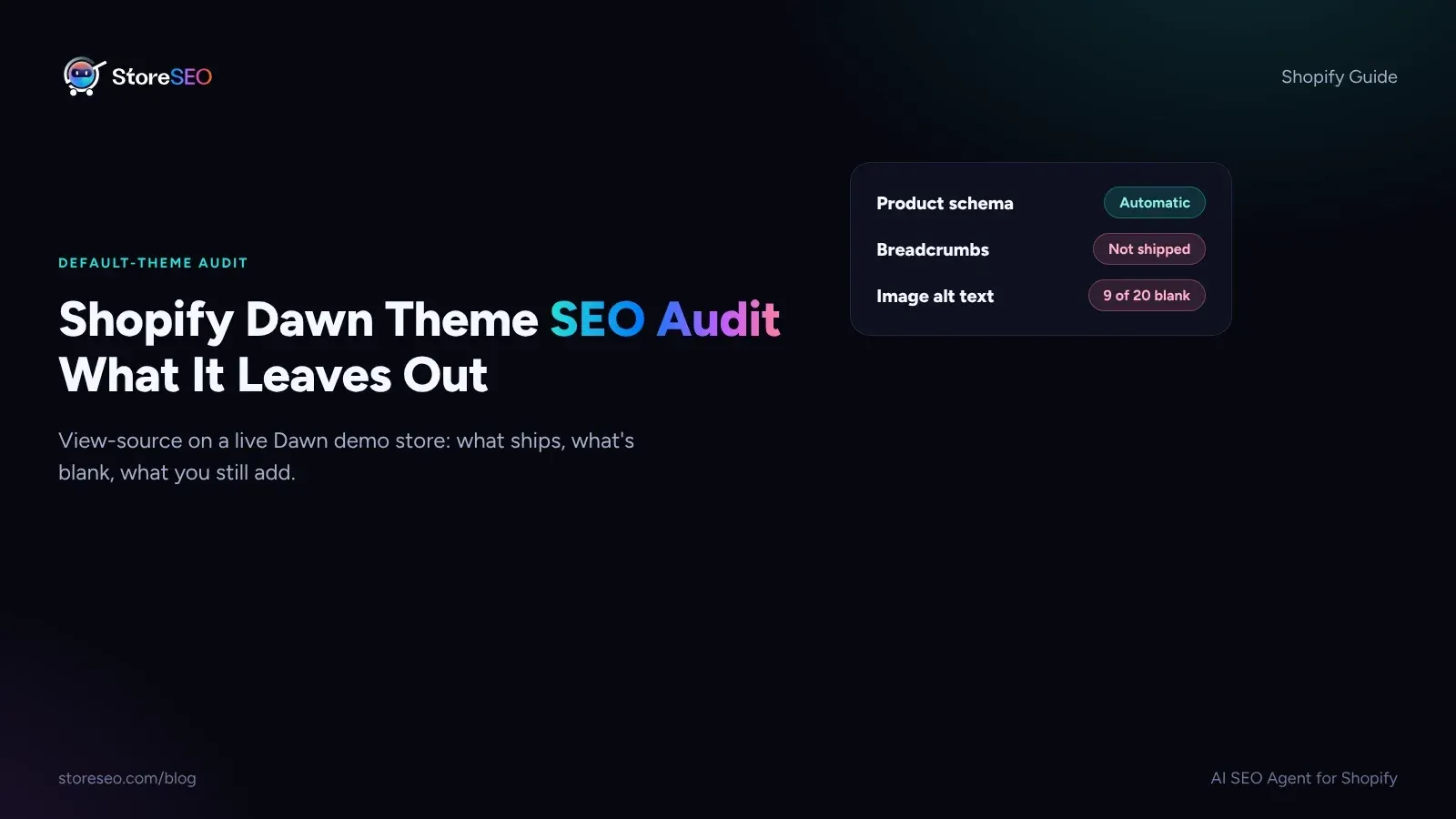
Shopify Dawn Theme SEO Audit: What It Leaves Out
Shopify Dawn writes Product and Organization schema on its own, but it ships no breadcrumbs, no image alt text and no review markup out of the box.
Read article