
12 Shopify Social Preview Cards That Get Clicks
 Written by M Asif Rahman
A Shopify page shares with whatever the theme generates by default unless a merchant steps in. We checked twelve real stores on 15 November 2026: six show a complete, benefit-led card, one ships a broken title, and the rest show nothing where a reason to click should be.
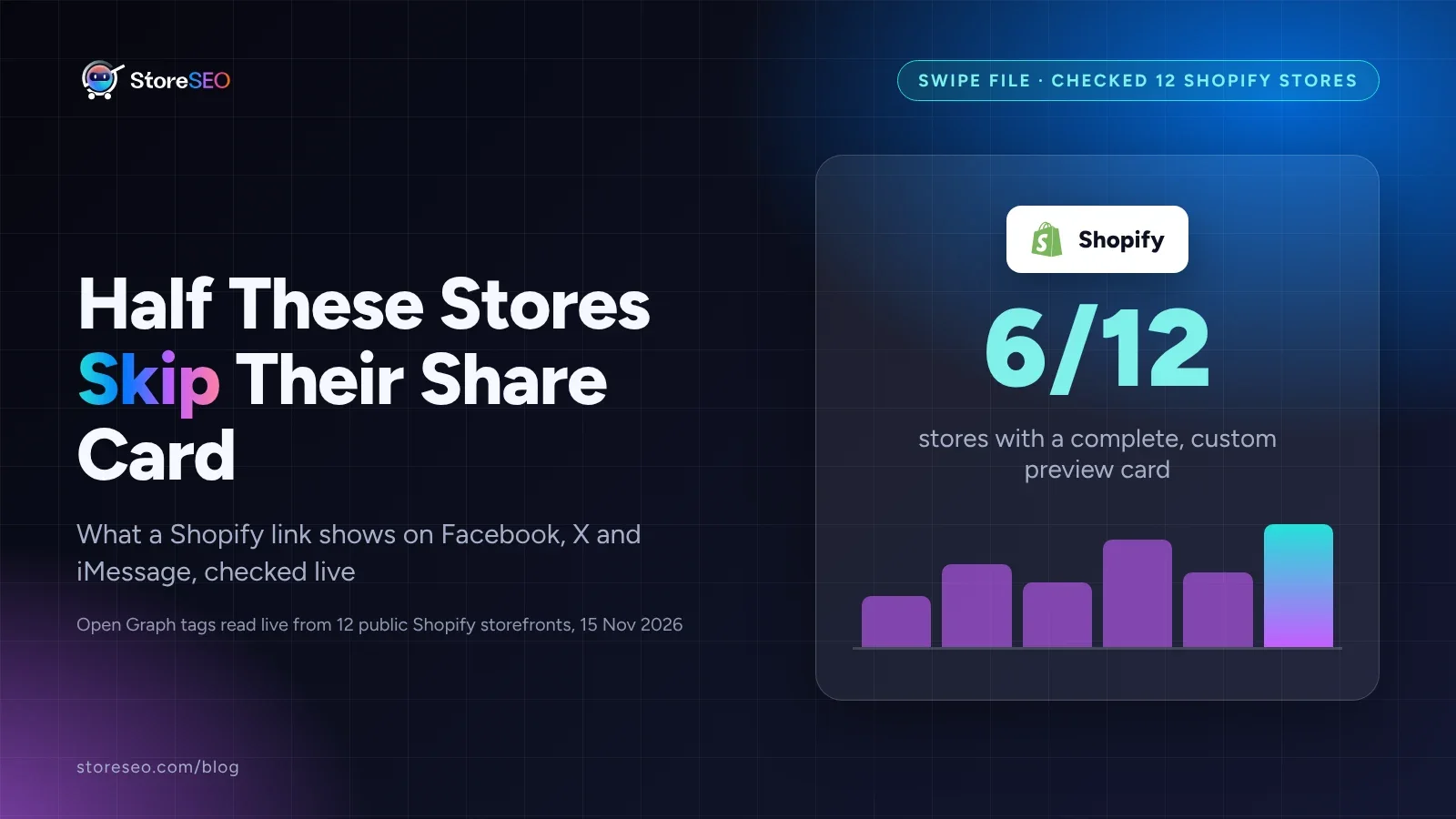
TL;DR: what 12 real Shopify stores show when their link gets shared, and the one setting that fixes it.
| Element | What good looks like | Fix if missing |
|---|---|---|
| og:title | A benefit, claim or proof point, not just the store name | Set a custom title in StoreSEO |
| og:description | One sentence that earns the click, 35 to 60 characters works well | Write one in StoreSEO’s Preview Snippet tab |
| og:image | A real product or lifestyle shot, not the default logo | Upload a Facebook and X image per page |
Page <title> | The product or store name, never an icon label or placeholder | Check it with a plain curl or a share-debug tool |
What Makes a Social Preview Card Get Clicked?
A social preview card is the title, description and image a platform shows when somebody pastes a Shopify link into Facebook, X, Slack or iMessage. StoreSEO reads this from three Open Graph tags in the page’s <head>, og:title, og:description and og:image, the same fields search engines use for the page title and meta description. When a merchant never sets them, Shopify’s own default theme fills them in from the store’s general settings, and the result is rarely a reason to click.
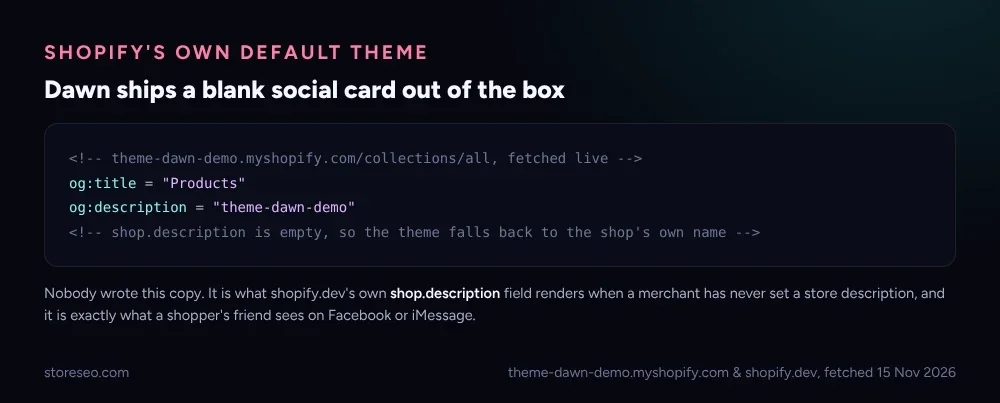 Shopify’s own Dawn demo theme, fetched live 15 November 2026: a collection page with no custom description shares as “Products,” from theme-dawn-demo.
That default is not a bug. Shopify’s own Liquid shop object reference documents shop.description as a plain string the theme is free to use anywhere, including in the share card, and it stays empty until a merchant fills it in. A page that was never meant to be read as marketing copy becomes the first thing a shopper’s friend sees. StoreSEO’s own guide to customizing a Shopify social media preview walks through replacing that default field by field.
12 Real Shopify Stores, Checked Live
Twelve public Shopify storefronts, checked on 15 November 2026: six carry a complete, custom og:title and og:description; one has a broken page title; four have an image but no custom title or description at all; one shows the bare brand name with nothing else. That is the honest split, not a round number chosen to make a point.
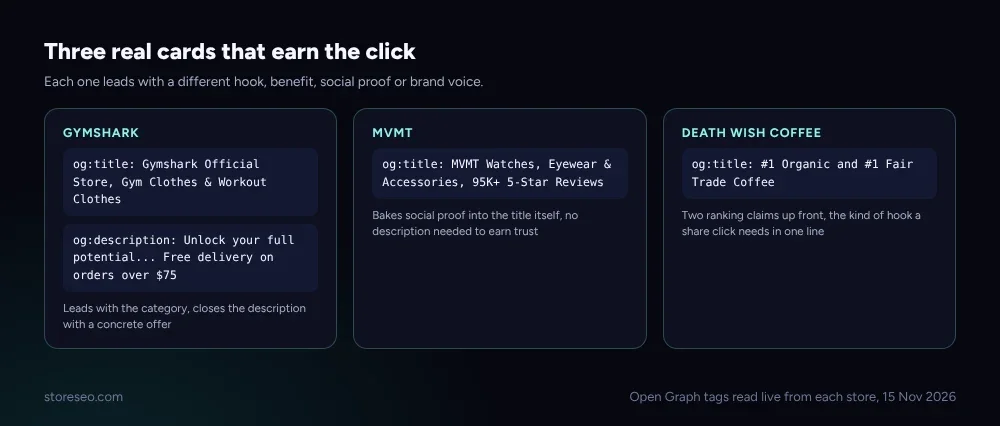 Three different hooks that all work: a concrete offer, social proof in the title, and a claim stated as fact. Read live, 15 November 2026.
Each of the three above earns its click a different way. Gymshark’s description closes with a number a shopper can act on (free delivery over a stated amount). MVMT skips the description entirely and puts review count straight in the title, so the proof shows even on a platform that trims the rest of the card. Death Wish Coffee leads with two superlative claims before the brand name even appears.
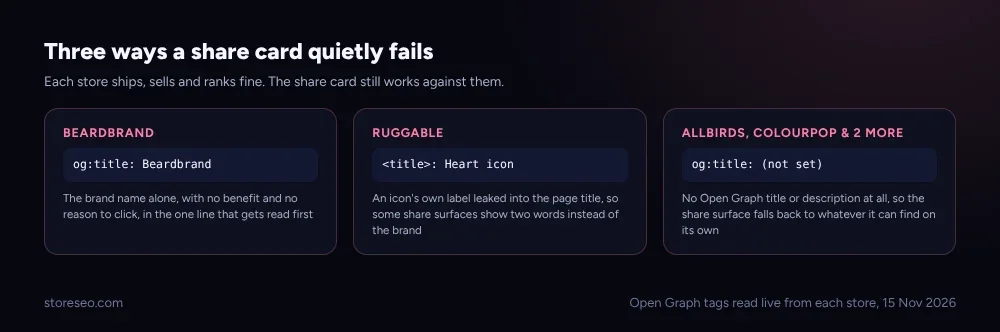 Three ways a card fails without the site being broken in any way a shopper would notice. Read live, 15 November 2026.
Beardbrand’s title is the brand name alone, true but empty. Ruggable’s plain <title> tag reads “Heart icon,” the accessibility label of an icon that leaked into the page title rather than the product name, a mistake that shows up only when something reads the raw tag instead of the rendered page. The remaining four, including Allbirds and ColourPop, ship no custom og:title or og:description at all, so whichever platform renders the share card has to guess.
How Long Should a Social Preview Title and Description Be?
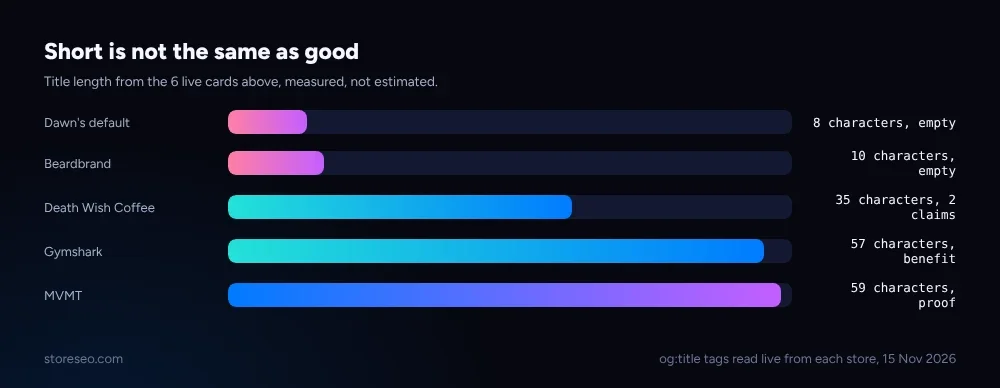 Length by itself proves nothing. Measured from the same six live cards, 15 November 2026.
Short is not the tell. Dawn’s 8-character default and Beardbrand’s 10-character title are both too short because they carry no information, not because they are brief. Death Wish Coffee makes its case in 35 characters by stating two claims plainly. Gymshark and MVMT both run to around 57 to 59 characters and use the extra room for a number: an offer threshold or a review count. Write to the point the sentence is finished, not to a target length.
How Do You Edit a Social Preview Card in Shopify?
Shopify’s native admin does not expose og:title or og:description as separate fields; most themes derive them from the page or product’s own SEO title and description, which is why a page that was never given one shares with whatever the theme falls back to.
StoreSEO’s Social previews feature fixes this per page from the Preview Snippet tab: open a product or page’s Fix panel, write the meta description that both Google and the share card will use, and check the Facebook Link Preview and Twitter Link Preview tabs to confirm how it renders before publishing. Each of those two tabs also has its own Change Facebook Image and Change Twitter Image button, so the share image does not have to be the same crop as the product photo. Set it once per page and every future share of that link, in a Slack message, a text thread or a tweet, uses it.
This is the same gap the 12 homepage title and meta description examples post found on the search-results side, and the same discipline behind the product title examples post applies here: write for the person who has to decide whether to click, not for the field being technically filled in. Both start on the ultimate Shopify SEO checklist, which covers the on-page basics a social preview card builds on.
Frequently Asked Questions (FAQs)
1. What is a social preview card?
It is the title, description and image a platform shows when a Shopify link is shared on Facebook, X, Slack, iMessage or most other apps that render a link preview. It comes from the page’s og:title, og:description and og:image tags, read once when the link is first shared.
2. Why does my Shopify store’s share link look wrong or empty?
Most Shopify themes generate these tags from the page or product’s own SEO title and meta description. If those were never set, the theme falls back to the store’s general name and description, which is often short, generic, or blank, exactly what four of the twelve stores checked here showed.
3. Does a weak social preview card hurt my Shopify SEO rankings?
Not directly. Open Graph tags are read by social platforms and chat apps, not by Google’s ranking systems. The cost is clicks and shares lost after the link leaves search, on every channel where people paste links to each other.
4. Can I set a different image for Facebook than for X?
Yes. StoreSEO’s Preview Snippet tab has a separate Change Facebook Image and Change Twitter Image button per product or page, so the two platforms can show different crops or compositions of the same shot. A square crop that reads well on X can look cramped as Facebook’s wider card, so previewing both before saving is worth the extra minute.
5. Do I need to write a new description if I already have a meta description?
Often the same sentence that works for Google works for a share card too, since many themes pull from the same field. Check both the Google Search Preview and the Facebook and Twitter preview tabs after saving to confirm they read the way you intend.
6. How often should I recheck a store’s social preview cards?
Whenever a theme changes, since a new theme can change which fields feed the share card, and after any bulk import of products or pages, since a batch of new items often inherits the same unset defaults this post found on 4 of the 12 stores checked.
A share card is one setting, checked once per page, that decides whether a Shopify link earns a click or just a glance. try StoreSEO on the Shopify App Store
Keep reading
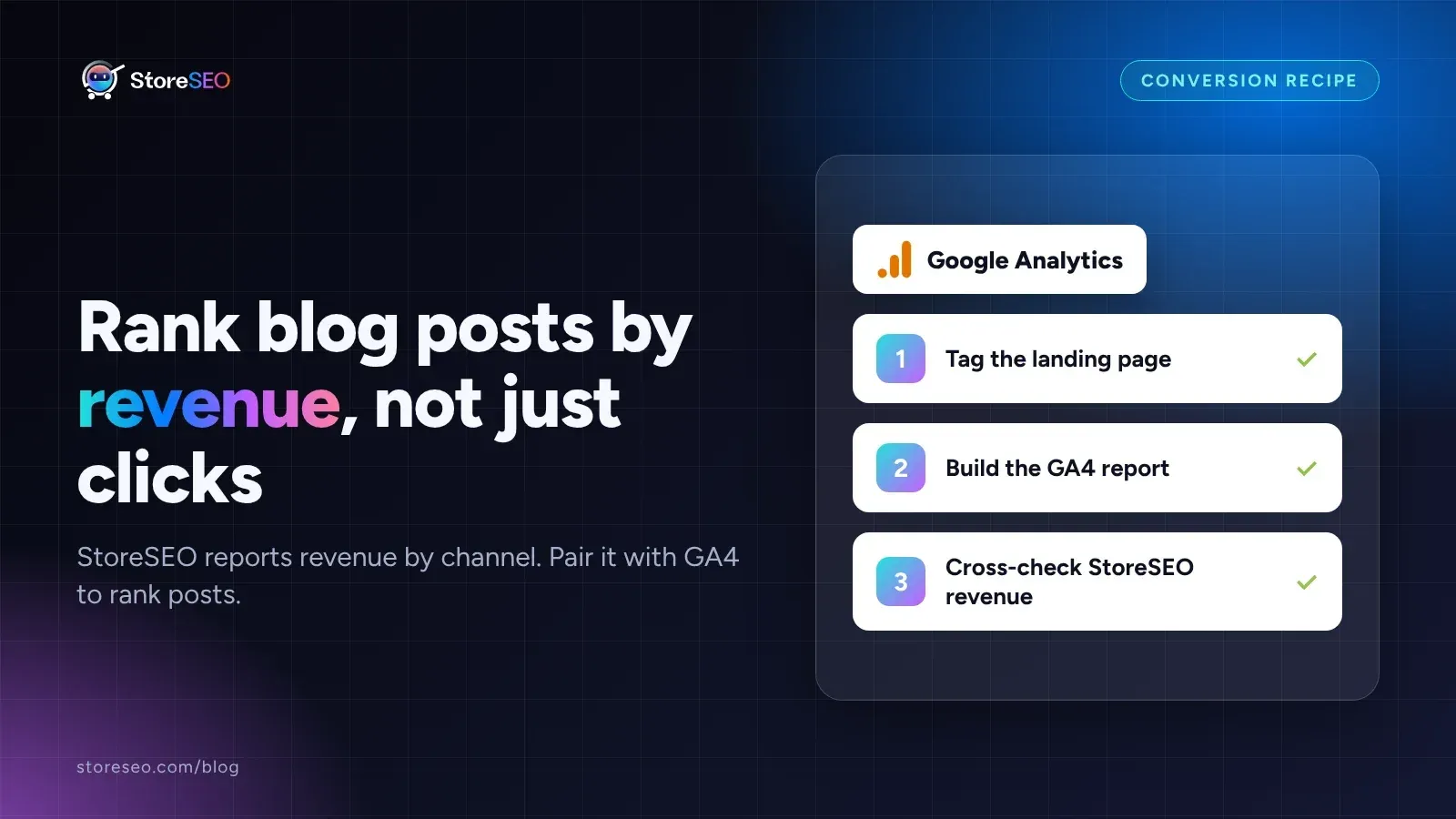
Find Your Highest-Converting Blog Post With StoreSEO
StoreSEO reports revenue by channel, not by post, so pair its Orders report with a GA4 landing page report to rank blog posts by actual sales.
Read article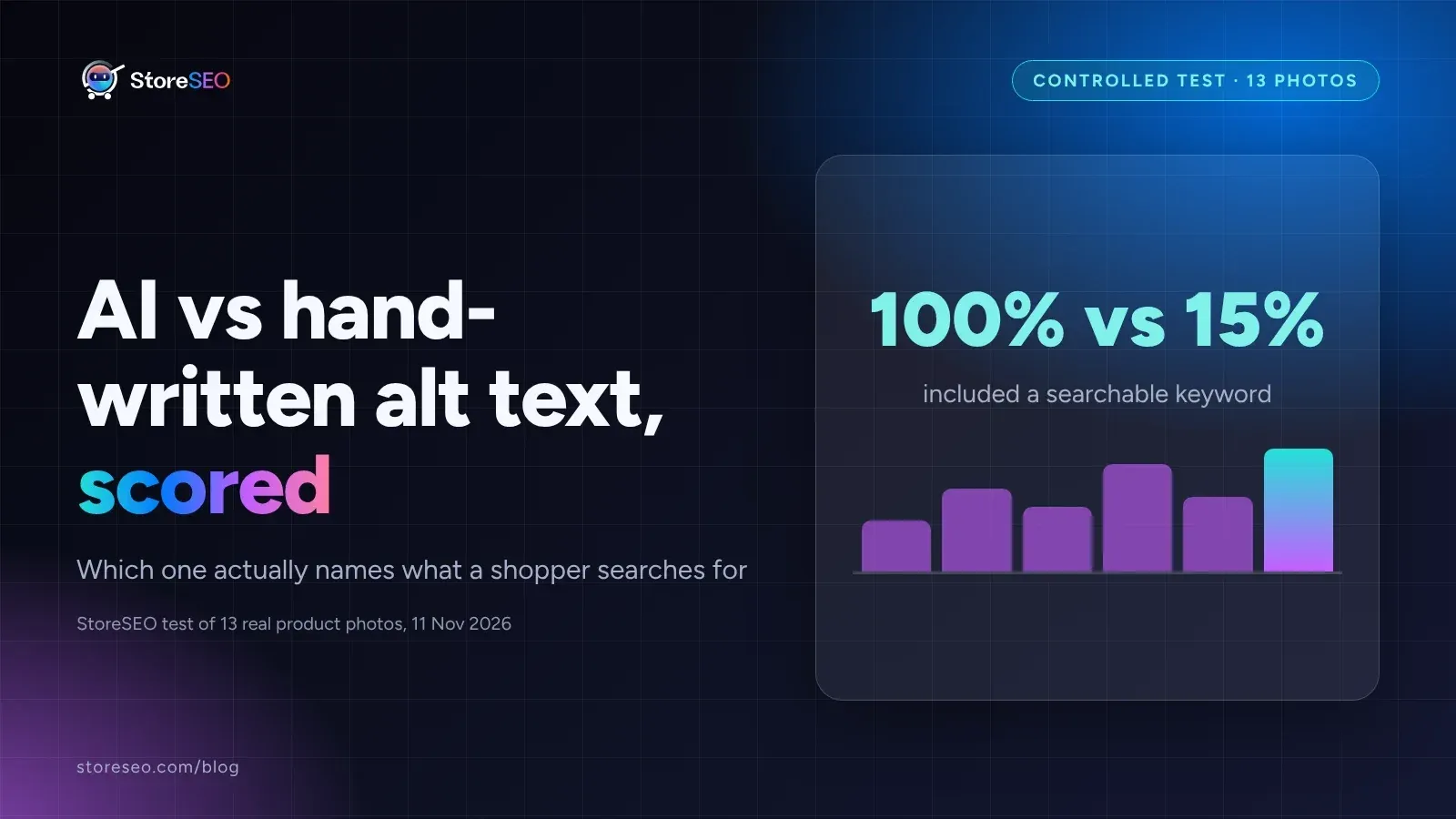
AI vs Manual Alt Text: We Tested 13 Shopify Photos
Hand-written alt text named a specific, searchable keyword in all 13 tests; AI-generated text matched it only twice, accurate but too generic.
Read article
Fix Log: Compressing One Hero Image, and What It Did
We compressed one real Shopify hero image to WebP, kept its dimensions unchanged, and measured exactly what moved in file weight and download time.
Read article