
Do You Need an SEO App on Shopify? Native vs App
 Written by M Asif Rahman
Shopify handles the SEO basics natively: editable titles and meta descriptions, automatic canonical tags, automatic hreflang, and built-in 301 redirects. It does not do bulk edits, AI-written content at catalog scale, keyword rank tracking, or FAQ and review schema. A small catalog can run on native fields alone; a growing one usually cannot.
Here is the TL;DR: what Shopify does on its own, what still takes manual work, and where an app like StoreSEO actually earns its keep.
| Task | Shopify native? | Manual workaround | Recommended fix |
|---|---|---|---|
| Page title & meta description | Yes, per page | Edit each one by one in admin | AI-written titles and descriptions across the whole catalog |
| URL handle (slug) | Yes | Manual edit; a redirect checkbox exists for collections, unconfirmed for products | n/a, this field is already yours to control |
| Image alt text | Yes, per image | Admin can suggest alt text per image, one at a time | Bulk alt text generation across every product |
| 301 redirects | Yes | One by one, or a bulk CSV import | Automatic redirect when the app itself changes a handle |
| robots.txt | Yes, via theme code | Add a robots.txt.liquid template and write Liquid | No code required; the app writes the rule |
| XML sitemap exclusion | Yes | Set a page Unlisted, or flip the seo.hidden metafield | Pick what to exclude from one screen |
| Canonical tags & hreflang | Yes, automatic | None needed | n/a, already handled |
| Noindex a single page | No admin toggle | Edit theme.liquid and add a meta tag | n/a, still needs a theme edit either way |
| Product schema (price, stock) | Yes, in Dawn | None needed | n/a, already handled |
| FAQ, Review & Local Business schema | No | Hand-code JSON-LD in the theme | Adds the schema types Dawn skips |
| Keyword rank tracking | No | Check Search Console query by query | Built-in rank tracker with history |
What Does Shopify Handle For You?
More than most merchants assume. Every product, page, collection and blog post has an Edit website SEO section with its own title, meta description and URL handle, and the admin shows a search-result-style preview before you save. Canonical tags are automatic store-wide, which is why a product appearing under multiple collection URLs does not usually split rankings on its own. If the store runs Shopify Markets for multiple languages or regions, hreflang tags are generated automatically for every combination, no manual tag-writing required.
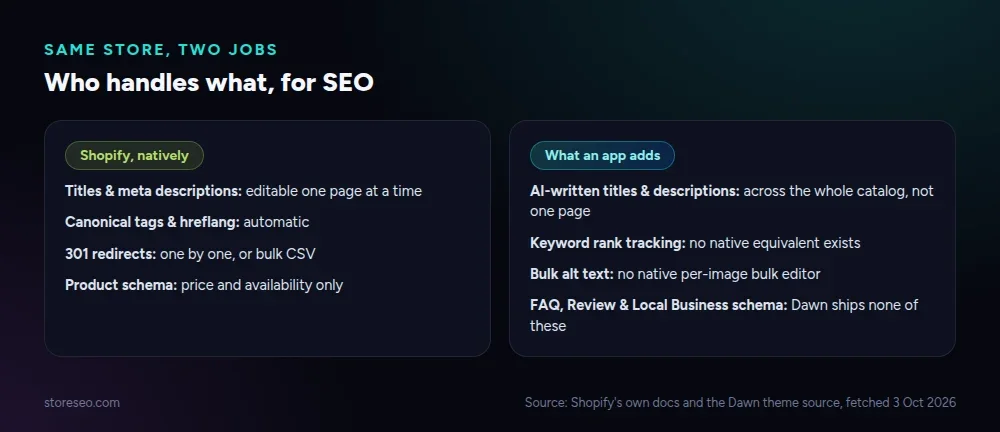 Shopify’s own fields cover the basics; the gap is bulk work, not missing fields.
Redirects are native too: Online Store > Menus > URL Redirects supports a bulk CSV import and export, with a cap of 100,000 redirects on standard plans. Dawn, Shopify’s own default theme, outputs a Product schema block automatically, with price, availability and brand, confirmed by reading the theme’s own main-product.liquid source directly rather than relying on a summary of it.
What Does It Not Do?
The native fields are built for editing one thing at a time, and three gaps have no native fix at all. There is no bulk editor: changing a title pattern across 400 products means opening 400 products. There is no keyword rank tracker: Shopify’s Search Console integration shows impressions and clicks, not where a term ranks over time. And Dawn’s schema block stops at Product; it emits nothing for FAQPage, Review or BreadcrumbList, so a merchant who wants FAQ rich-result eligibility has to hand-write that JSON-LD into the theme.
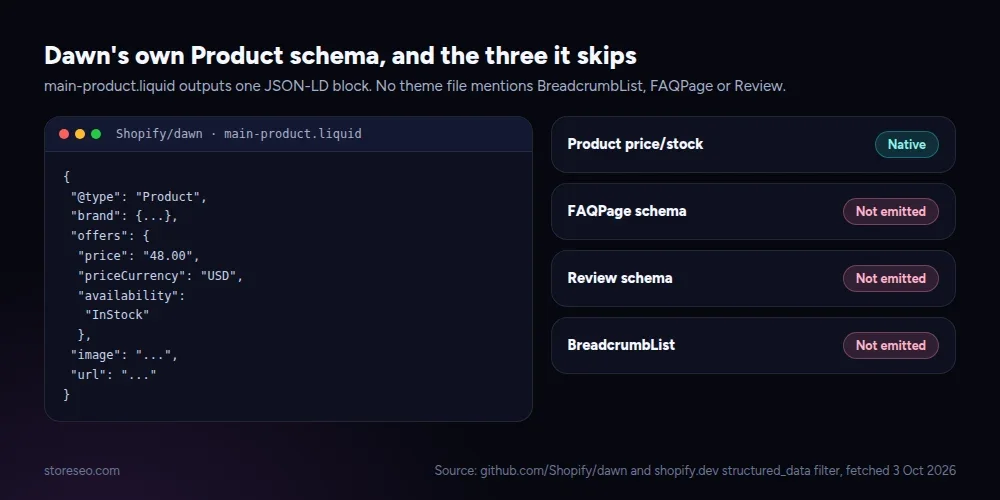 Confirmed by reading Dawn’s main-product.liquid directly: one JSON-LD block, nothing for FAQ, reviews or breadcrumbs.
Two more gaps are native in theory and closer to a developer task in practice. robots.txt is editable, but only by adding a robots.txt.liquid template under Online Store > Edit Code and writing the Liquid yourself; there is no toggle for it in the admin. Noindexing a single page works the same way, a conditional meta tag inside theme.liquid, not a switch on the page editor.
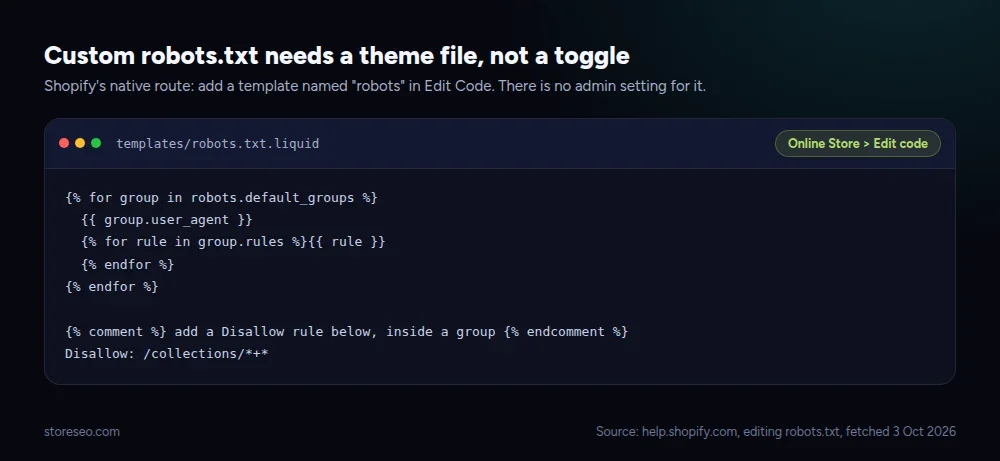 The route exists. It is a Liquid file edit, not an admin setting, so it is the first thing a non-technical store owner skips.
StoreSEO’s AI Content Optimizer closes the first two gaps directly: it generates titles, descriptions and keyword targeting across every product in one pass instead of one product at a time, and scores each page as it goes (set it up here). The Keyword Rank Tracker closes the third, logging position history for the keywords a store actually targets instead of relying on Search Console’s own lagging export (docs here). Neither replaces the native fields; both sit on top of them.
When Is An SEO App Worth Paying For?
Once the catalog, or the backlog of fixes, outgrows one-at-a-time editing. A store with under 50 products and titles already written is not blocked by anything on this list; native fields cover it, and paying for an app mostly buys a dashboard. A store with a few hundred products, several seasons of thin or duplicate titles, and no time to hand-write FAQ schema for each collection is paying in hours either way, whether or not it uses an app.
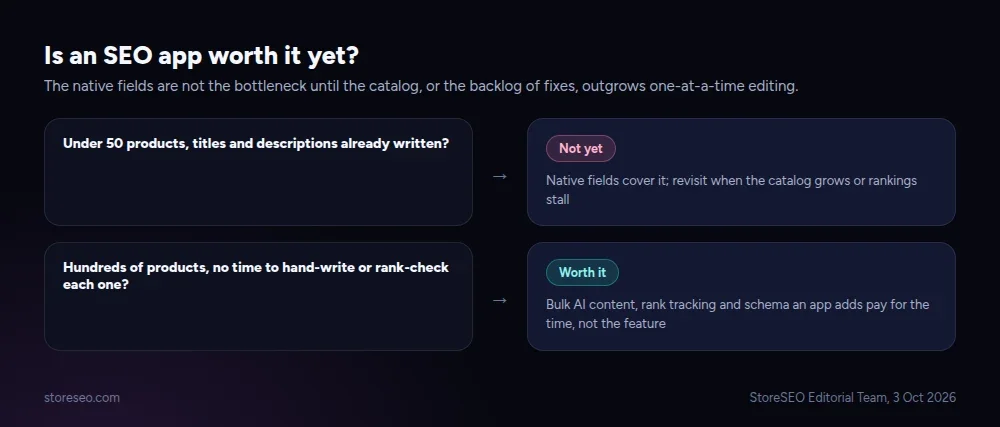 The native fields are not the bottleneck until editing them one at a time is.
That is the gap the best Shopify SEO apps on the market are built to close, and StoreSEO is built for the second case specifically: a free plan covers a small catalog, with an install that takes a few minutes, and the paid tiers scale with product count rather than gating the bulk tools behind an enterprise price. It is honest to say a two-product test store gets little from any SEO app, StoreSEO included; the value shows up once there is a catalog to maintain.
When Is It Not?
A pre-launch store with fewer than a dozen products, a merchant who already has a working SEO workflow (an agency, a developer on retainer, or a habit of writing good titles at creation time), or a store whose real problem is not SEO at all (no backlinks, no content, no reviews yet) will not feel much difference from installing an app. Fix the upstream problem first; an app optimizing ten pages nobody links to will not out-rank a competitor with a hundred. If the real blocker turns out to be the cost of fixing it yourself versus paying for help, that is a different, and separate, decision from the one this page answers.
Every claim above traces back to Shopify’s own documentation or its own theme source, fetched today; where the public docs were silent, the gap is marked in the table rather than guessed at. A related myth worth checking before buying anything is whether the “rule” you are optimizing for is still true on Shopify in 2026.
Frequently Asked Questions (FAQs)
1. Does Shopify have built-in SEO tools?
Yes. Every product, page, collection and blog post has editable title, meta description and URL handle fields, plus automatic canonical tags, an auto-generated sitemap, and automatic hreflang under Shopify Markets. These cover the fundamentals; they do not cover bulk edits or rank tracking.
2. Can I edit meta titles and descriptions without installing an app?
Yes, one page at a time, from the “Edit website SEO” section on that product, page or post. There is no native way to bulk-edit titles or descriptions across many products at once, which is the main reason stores with large catalogs look for an app.
3. Does Shopify generate an XML sitemap automatically?
Yes, at /sitemap.xml, and it updates automatically as content changes. To exclude a specific product or page, set it to Unlisted or set its seo.hidden metafield; there is no separate sitemap settings screen in the admin.
4. Do I need an app to add FAQ schema on Shopify?
Shopify’s default theme, Dawn, does not emit FAQPage, Review or BreadcrumbList schema on its own. Adding any of them natively means hand-writing JSON-LD into the theme’s Liquid files. An SEO app that supports FAQ schema does the same thing without touching code.
5. Will an SEO app slow down my store?
It can, if it adds render-blocking scripts to the storefront. A tool that only writes to the title, meta description and schema fields at save time, rather than loading a script on every storefront page, does not add storefront weight. Check an app’s own speed claims before installing it, the same way you would check any theme app.
6. Can I switch SEO apps later without losing my work?
Titles, meta descriptions and schema written through an app are saved to Shopify’s own product, page and metafield data, not locked inside the app. Uninstalling removes the app’s own settings and automation, not the fields it already wrote.
Start With What’s Actually Missing
The honest answer is not “always” or “never”: check the table above against your own catalog size and the backlog of fixes sitting in Search Console, then decide. try StoreSEO on the Shopify App Store
Keep reading
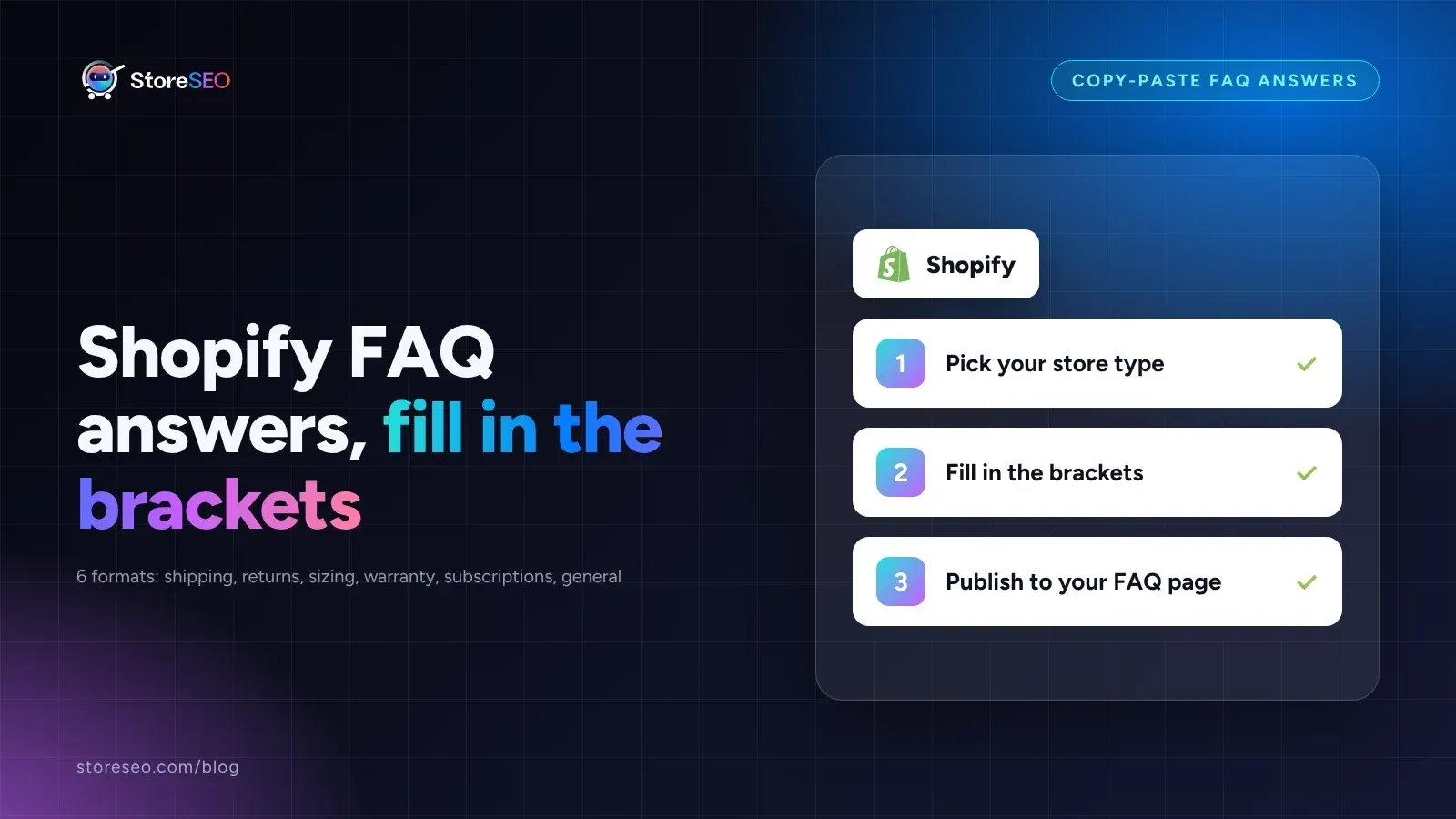
Shopify FAQ Answer Template: 6 Fill-In Formats
Six copy-paste FAQ answer templates for shipping, returns, sizing, warranty, subscriptions, and general support, ready to fill in and publish today.
Read article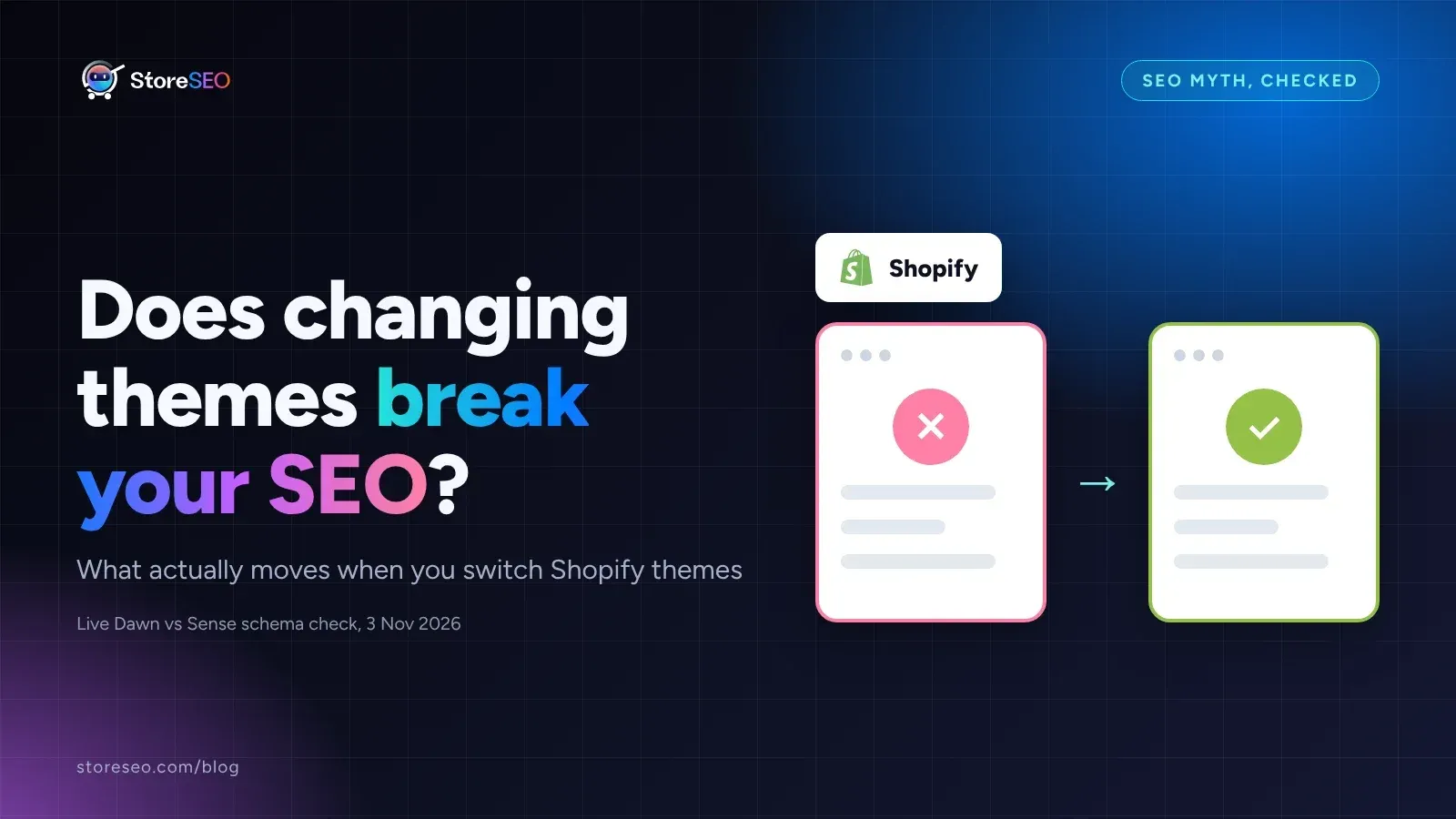
Does Changing Your Shopify Theme Hurt SEO?
Switching your Shopify theme keeps your URLs and settings intact, but it can quietly change the schema markup and headings your pages output.
Read article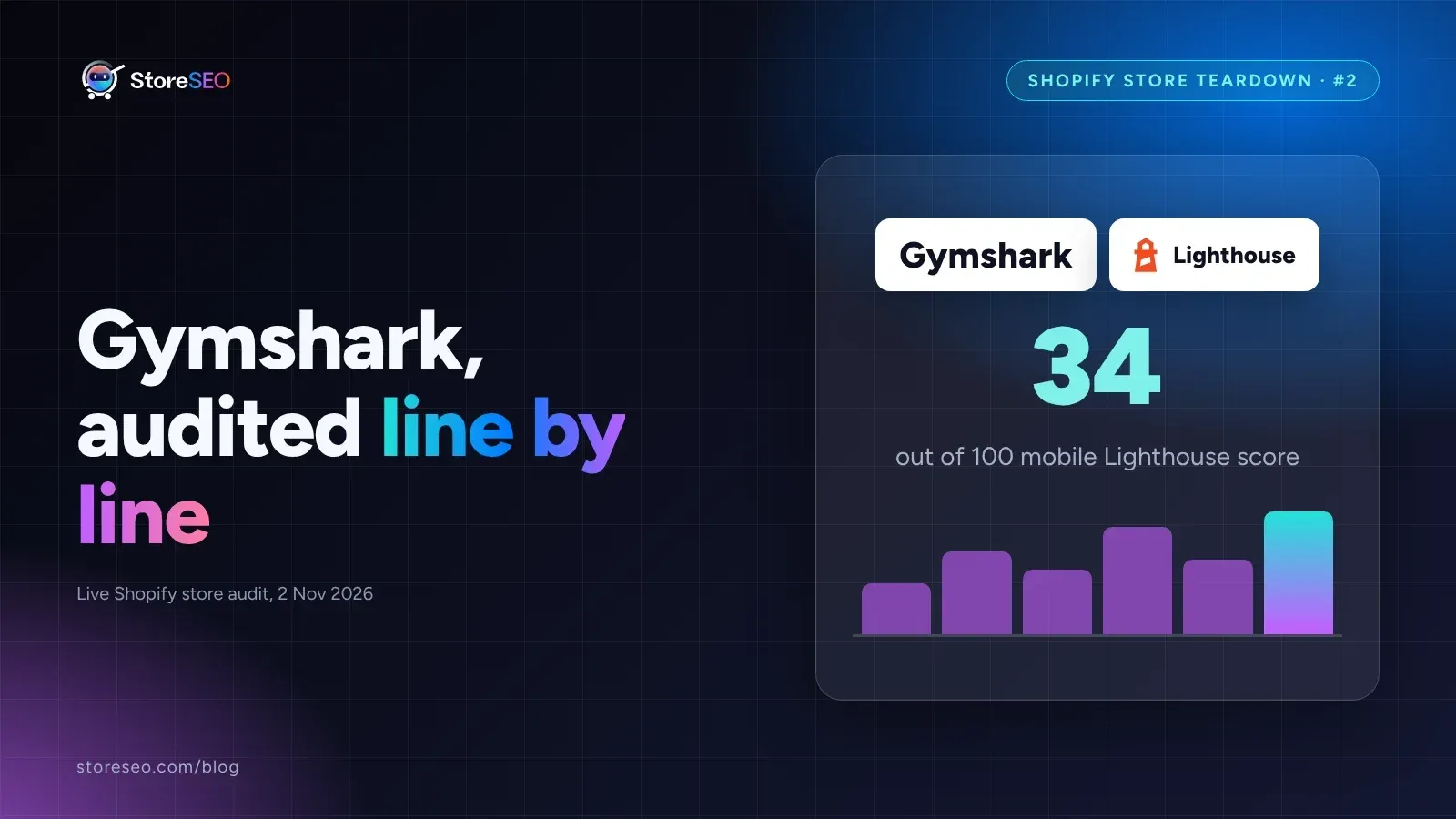
Shopify SEO Teardown #2: Gymshark
We audited Gymshark's live Shopify pages and found a 34-out-of-100 mobile Lighthouse score, a separate URL per color variant, and zero review schema.
Read article