
Q4 Shopify SEO Calendar: Week by Week to January
 Written by M Asif Rahman
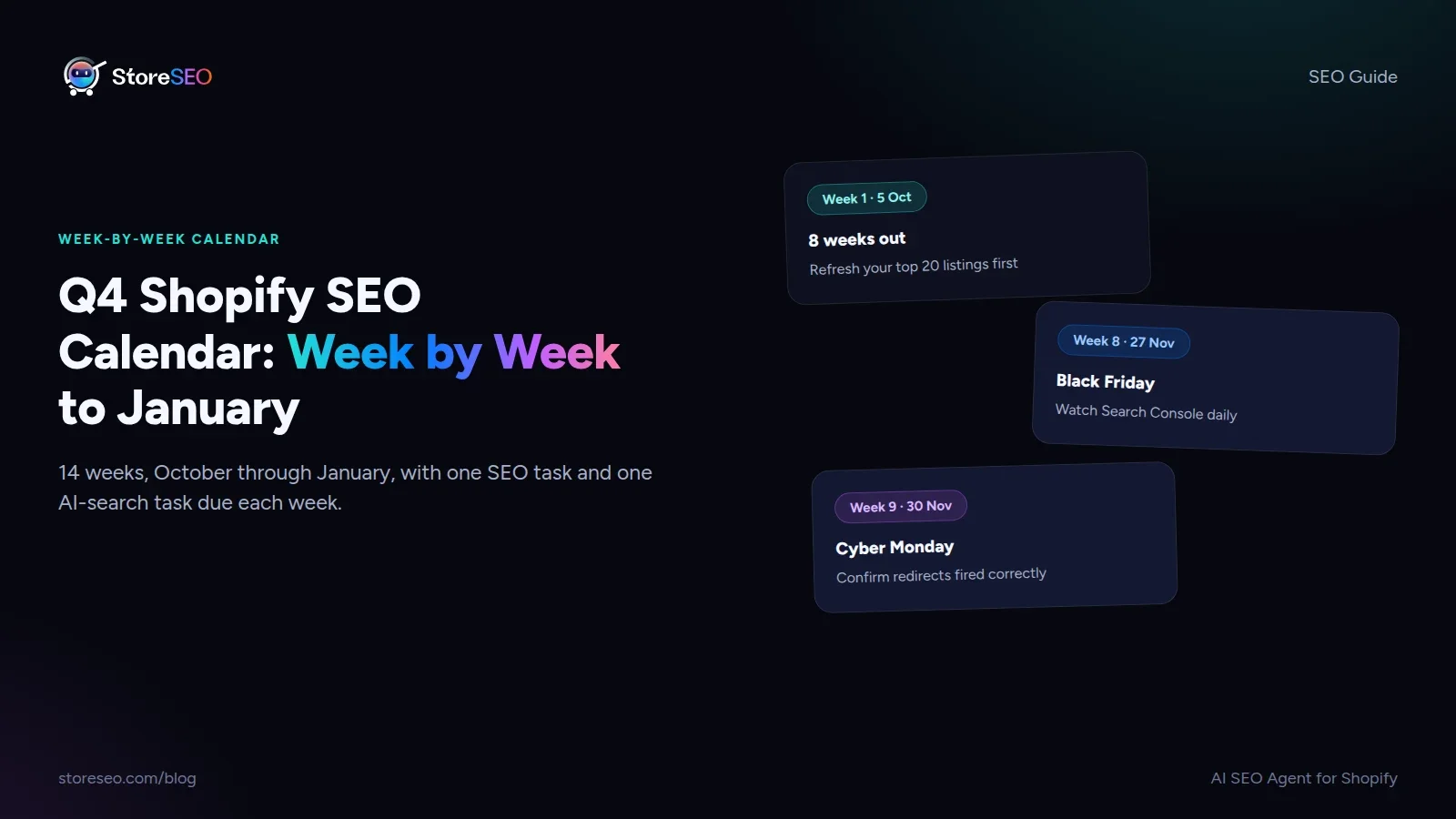
Start 8 weeks before Black Friday, in early October: refresh your top listings first, because that is the task Google needs the most lead time to recrawl. The calendar below gives you one SEO task and one AI-search task for every week from October through the first week of January, so nothing waits until the week it is due.
TL;DR: the Q4 Shopify SEO calendar
| Week of | Dates | Event | Priority | SEO action | AI-search task |
|---|---|---|---|---|---|
| Week 1 | 5 to 11 Oct | 8 weeks to Black Friday | Critical | Refresh titles and meta descriptions on your top 20 pages | Check which of your products already get recommended in ChatGPT or Gemini answers |
| Week 2 | 12 to 18 Oct | Columbus Day / Indigenous Peoples’ Day | Standard | Audit Core Web Vitals before traffic rises | Confirm your robots.txt still allows GPTBot, OAI-SearchBot and PerplexityBot |
| Week 3 | 19 to 25 Oct | 5 weeks out | High | Finish your sold-out-product redirect map | Add FAQ answers for your most-asked pre-sale questions |
| Week 4 | 26 Oct to 1 Nov | Halloween (31 Oct) | Standard | Fix any 404s from last year’s seasonal pages | Update seasonal product descriptions an AI assistant could quote |
| Week 5 | 2 to 8 Nov | 3 weeks out | High | Submit an updated sitemap after the refresh | Validate your Offer schema shows sale pricing fields |
| Week 6 | 9 to 15 Nov | Veterans Day (11 Nov) | Standard | Bulk-check canonical tags on variant and filter URLs | Re-test your 5 highest-intent AI prompts for citation |
| Week 7 | 16 to 22 Nov | 1 to 2 weeks out | Critical | Pre-load Black Friday landing pages so they are indexed before launch | Publish one answer-first page for a holiday gift-guide query |
| Week 8 | 23 to 29 Nov | Thanksgiving (26 Nov) · Black Friday (27 Nov) · Small Business Saturday (28 Nov) | Critical | Watch Search Console coverage daily; fix crawl errors same day | Keep sale copy specific (dates, percentages) so AI answers can quote it |
| Week 9 | 30 Nov to 6 Dec | Cyber Monday (30 Nov) | Critical | Confirm redirects fired correctly on sold-out items | Check whether your BFCM pages are showing up in AI shopping answers |
| Week 10 | 7 to 13 Dec | Post-BFCM, gift-shipping window opens | High | Resubmit the URLs that changed during the sale | Update “best gifts” or “last-minute” pages with current stock |
| Week 11 | 14 to 20 Dec | Shipping-deadline week (check your carriers’ exact 2026 cutoffs) | High | Add a visible shipping-cutoff date to product and FAQ pages | Make sure your shipping cutoff is stated as plain text, not only in an image |
| Week 12 | 21 to 27 Dec | Christmas (25 Dec) · Boxing Day (26 Dec) | Standard | Swap sale banners for post-holiday messaging without breaking links | Refresh any page an AI assistant might cite for “last-minute” intent |
| Week 13 | 28 Dec to 3 Jan | New Year’s Eve (31 Dec) · New Year’s Day (1 Jan) | Standard | Audit the whole redirect chain from Q4 before archiving it | Update “New Year” or “resolution” seasonal pages for the new year |
| Week 14 | 4 to 10 Jan | Returns and gift-card redemption peak | Standard | Check indexing on returns and gift-card pages | Confirm AI assistants are citing current prices, not Black Friday prices |
This calendar builds on StoreSEO’s own Black Friday 2026 checklist by setting BFCM week inside the full Q4 picture, and it replaces two single-event posts this blog ran in past years, Halloween SEO tips and a Halloween party-supply guide: both are one-off events inside this same calendar, so start here instead of a standalone seasonal post.
What Should You Do in October?
October is lead time, not sale time. The two things Google and AI assistants need most lead time for are a recrawl of your top pages and a clean technical base, so both go first. Refresh your 20 highest-traffic titles and meta descriptions in week 1: a title or description changed the week of Black Friday itself has not been recrawled by the time shoppers search. In week 2, run a Core Web Vitals audit, because Q4 traffic is the heaviest load your theme and apps will carry all year, and a slow product page converts worse exactly when the stakes are highest. By week 3, finish deciding where every likely sold-out product will redirect once stock runs out, before the pressure of an actual sale forces a rushed decision. If your top 20 pages are really your top 200, doing this by hand in one week is not realistic: StoreSEO’s Bulk SEO optimization applies title and meta fixes across a whole catalog in one pass instead of one product at a time.
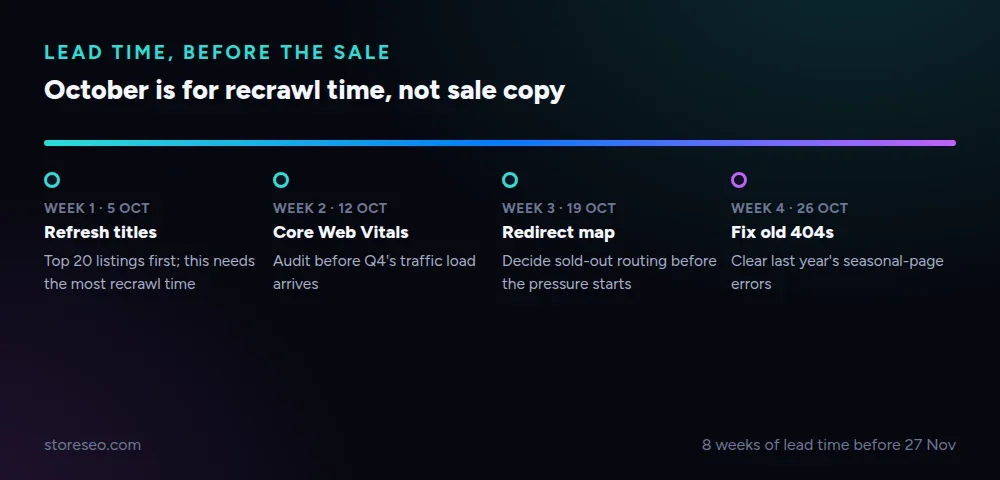 Weeks 1 to 4: the lead-time tasks Google and AI crawlers need the most notice for.
What Should You Do in November, Before Black Friday?
The first half of November is where most stores run out of time, because the two biggest sale days both land in the same week. Submit an updated sitemap as soon as your October refresh is live, so Google has the new version before the search-volume spike starts. Shopify’s default robots.txt already allows the major AI crawlers, but confirm it still does after any theme or app change, since a blocked crawler during BFCM week means a shopping assistant simply cannot see your updated pricing. Pre-load your Black Friday landing pages in week 7 rather than week 8: a page published the morning of Black Friday has had zero time to be crawled, let alone ranked.
What Do You Do During Black Friday and Cyber Monday Week?
During the sale itself, your job shifts from preparing content to watching it. Check Search Console’s coverage report daily, not weekly: a crawl error caught the same day costs minutes to fix, the same error caught a week later has already cost rankings during your highest-traffic week of the year. Keep sale copy specific. “Up to 50% off through 30 November” is something an AI assistant can quote back to a shopper; “huge savings, for a limited time” is not, because it contains no date or number to cite. Redirect sold-out products immediately rather than leaving them to 404, and confirm each redirect actually fired rather than assuming the rule applied correctly under load.
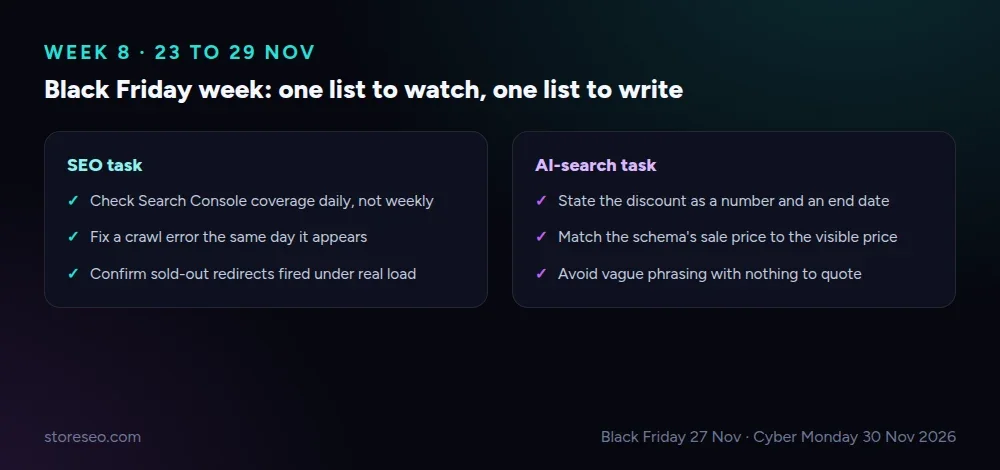 Week 8: one list to watch (SEO), one list to write (AI-search).
How Do You Get Your Deals Into AI Shopping Answers?
An AI assistant answering “best Black Friday deals on [your category]” needs the same two things a search engine does: content it can crawl, and facts specific enough to repeat. Structured sale pricing is the fastest route: schema.org’s Offer type supports a priceValidUntil field, and Google’s own structured-data guidance recommends setting it whenever a sale has an end date, because it tells both search and AI systems exactly when the price reverts. A product page that states “20% off, ends 30 November” in both the visible copy and its schema is quotable in a way that a banner image alone never is. Re-test your 5 highest-intent AI prompts (the ones a shopper would actually type into ChatGPT or Gemini about your category) in week 6, so you know which products already get recommended and which still need a clearer, more citable answer before the sale starts.
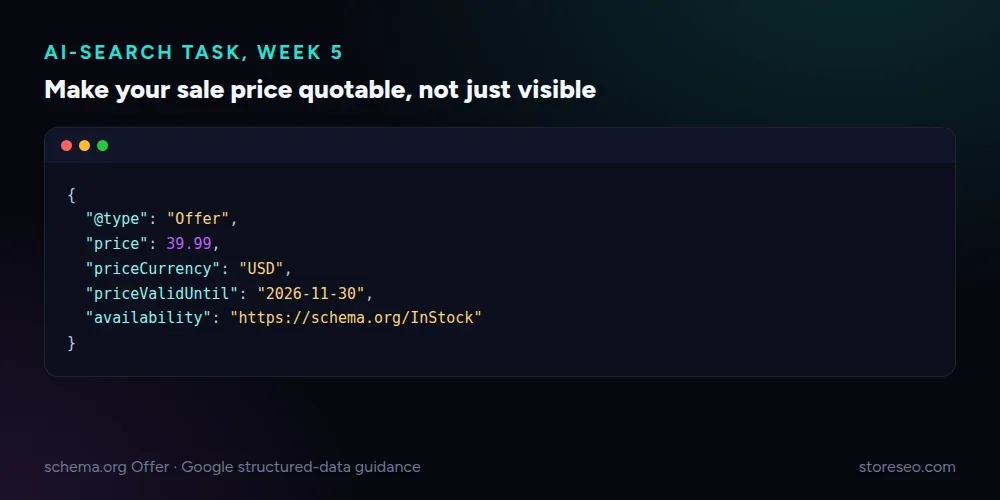 A sale price AI assistants can quote accurately, because the end date is in the schema, not only the banner.
What Should You Do After Cyber Monday?
The week after Cyber Monday is cleanup, and it is where the gains from weeks 1 through 9 are either locked in or lost. Resubmit every URL that changed during the sale, including anything that was redirected and is now back in stock. Watch Search Console’s coverage report for the two weeks after the sale specifically, since a redirect left in place after a product restocks will quietly keep that product out of search. From mid-December, shift the calendar’s attention to shipping-cutoff dates: state the exact date in visible text on product and FAQ pages, not only inside a shipping banner image, so both shoppers and AI assistants can read it directly.
What Can You Prepare Once and Reuse Every Year?
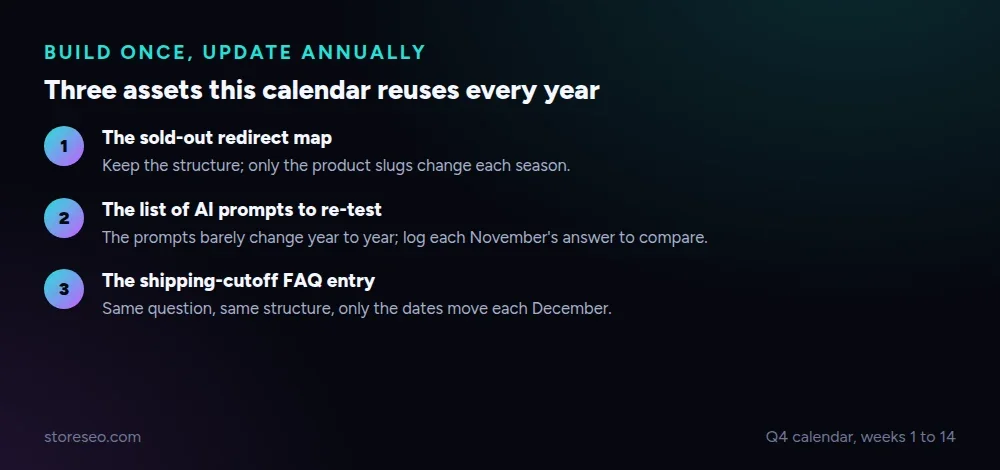 Three assets worth building once: a redirect map, a sitemap checklist and a list of AI prompts to re-test every November.
Three things on this calendar do not need to be rebuilt from scratch each year. The sold-out-product redirect map is a template: once you have mapped where a category’s products redirect when stock runs out, next year’s version only needs the actual slugs swapped in. The list of 5 to 10 AI prompts worth tracking for your category is also reusable; the prompts stay roughly the same year to year, only the answers change, so keep a running record of what the answer was each November rather than starting the research over. Finally, the shipping-cutoff FAQ entry is a template too: the structure of the answer stays identical, only the dates move.
Frequently Asked Questions (FAQs)
1. When should Shopify SEO work for Black Friday actually start?
Eight weeks out, in early October, is the point by which your top listings should be refreshed. Google’s recrawl and re-ranking of a changed page typically takes longer than a week, so a title or description changed in November has not necessarily been picked up by the time Black Friday traffic arrives.
2. Does Black Friday fall on the same date every year?
No. Black Friday is always the day after the fourth Thursday of November (US Thanksgiving), so the date moves within a few days each year. In 2026, Thanksgiving is 26 November and Black Friday is 27 November; Cyber Monday is the following Monday, 30 November.
3. What is the single highest-priority task if I only have time for one?
Watching Search Console’s coverage report daily during BFCM week. A crawl error or an accidental noindex caught the same day costs minutes; caught a week later, after the traffic has already come and gone, it cannot be recovered for that sale.
4. Should I write new pages for Black Friday every year, or reuse the same URL?
Reuse the same URL where the sale itself repeats (a general “Black Friday deals” page), and update it in place with a visible “Updated” date rather than publishing a new URL each year. A fresh URL every year starts from zero authority and zero indexing lead time, exactly when lead time matters most.
5. Do AI shopping assistants need anything different from what Google needs?
Mostly the same crawl access and clean technical base, plus one addition: specific, quotable facts. A discount with a stated percentage and end date, in visible text and in Offer schema, is something an AI assistant can repeat accurately; vague promotional language is not.
6. What should I do with last year’s Halloween or holiday pages?
Fold one-off seasonal posts into a single reusable calendar like this one rather than republishing a new page for each event. If an old seasonal page still ranks for its own keyword, keep it and link it in from the relevant week above instead of duplicating its content here.
7. How far past New Year does Q4 cleanup actually run?
Into the first full week of January. Returns and gift-card redemptions peak in that window, and any redirect or price change left over from the sale needs to be checked then, before “New Year” seasonal pages get published for the year ahead.
Fourteen weeks is a lot to track by hand across titles, redirects and schema at the same time. If you would rather StoreSEO run the bulk fixes and flag what is missing each week, try StoreSEO on the Shopify App Store.
Keep reading
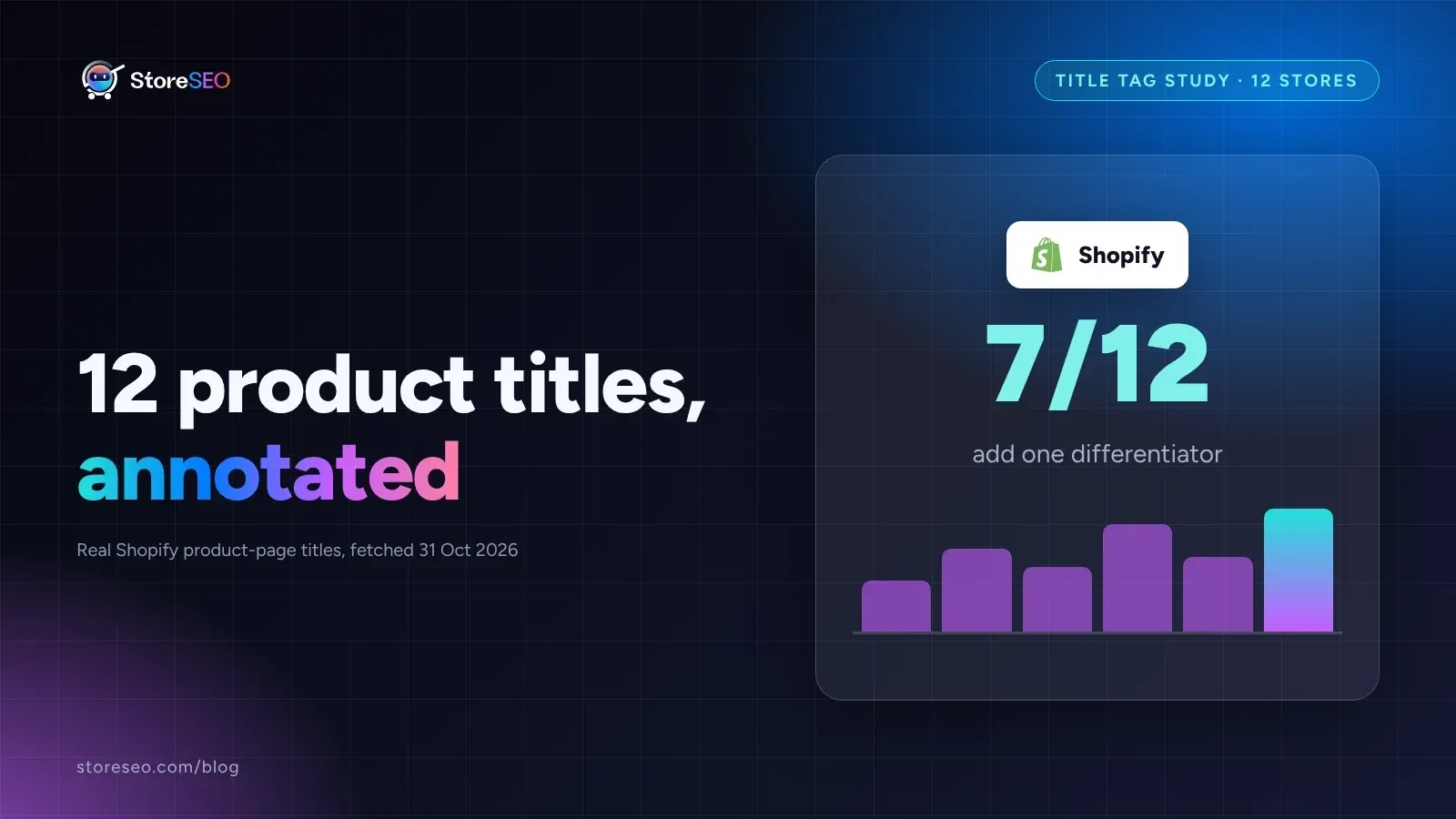
12 Shopify Product Titles That Rank (Annotated)
Twelve real Shopify product titles share three habits that work: name the product type, add exactly one differentiator, and put the brand name last.
Read article
What Happens When You Skip Google Product Category?
Skipping Google Product Category rarely blocks a sale, but in apparel, phones, software and alcohol it can quietly get a listing disapproved.
Read article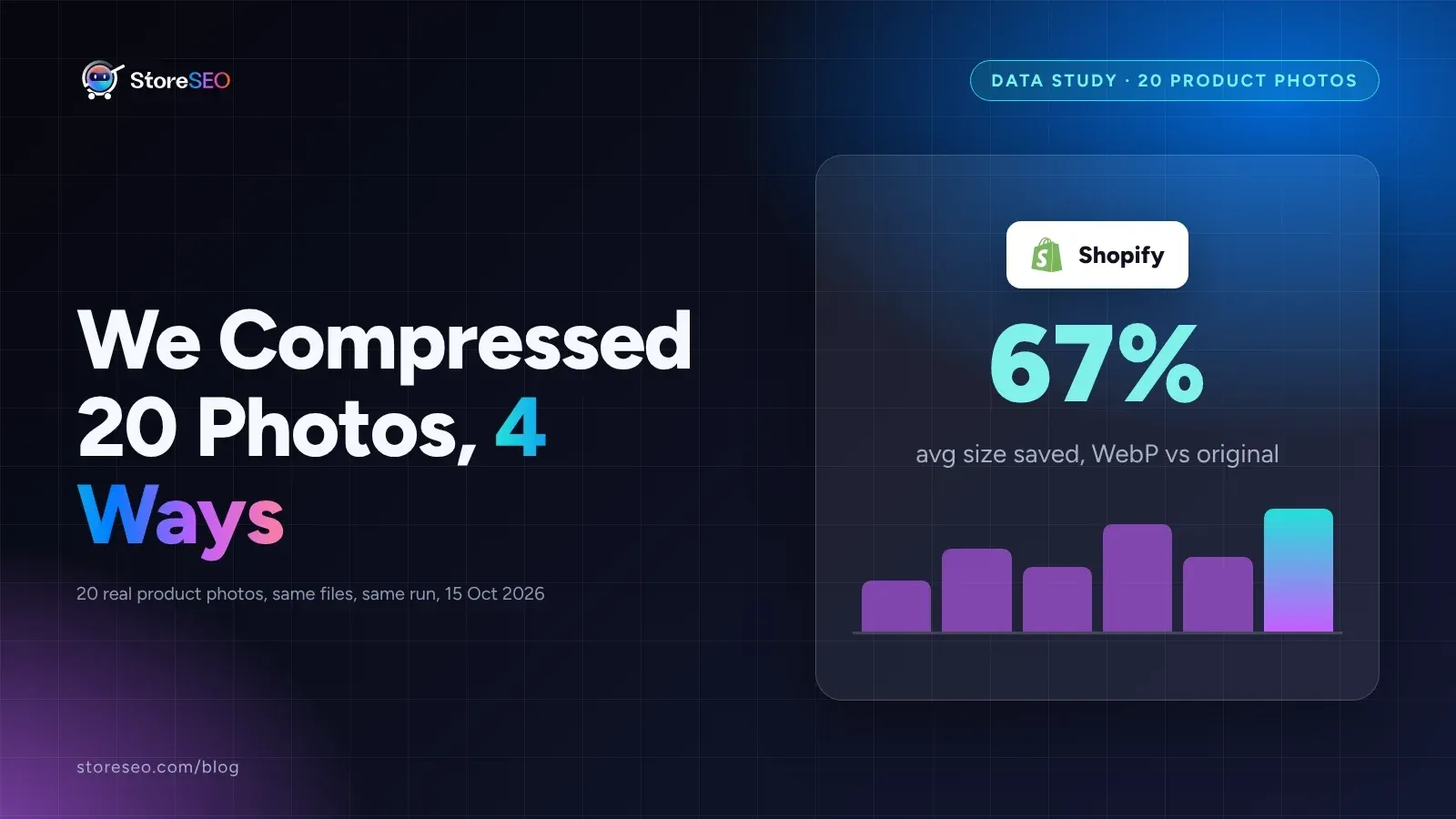
We Compressed 20 Shopify Product Photos 4 Ways
We compressed 20 real Shopify product photos 4 ways and found WebP cuts average file size by 67 percent, the biggest saving of the four we tested.
Read article