
A 6-Week Shopify SEO Calendar for New Stores
 Written by M Asif Rahman
A brand-new Shopify store has no backlinks, no crawl history and no indexed pages, so its first six weeks follow a fixed order. Week one is a sitemap and real titles. Weeks two to four are content, images and schema. Weeks five and six are the first outside signals: reviews, and a recheck of what got indexed.
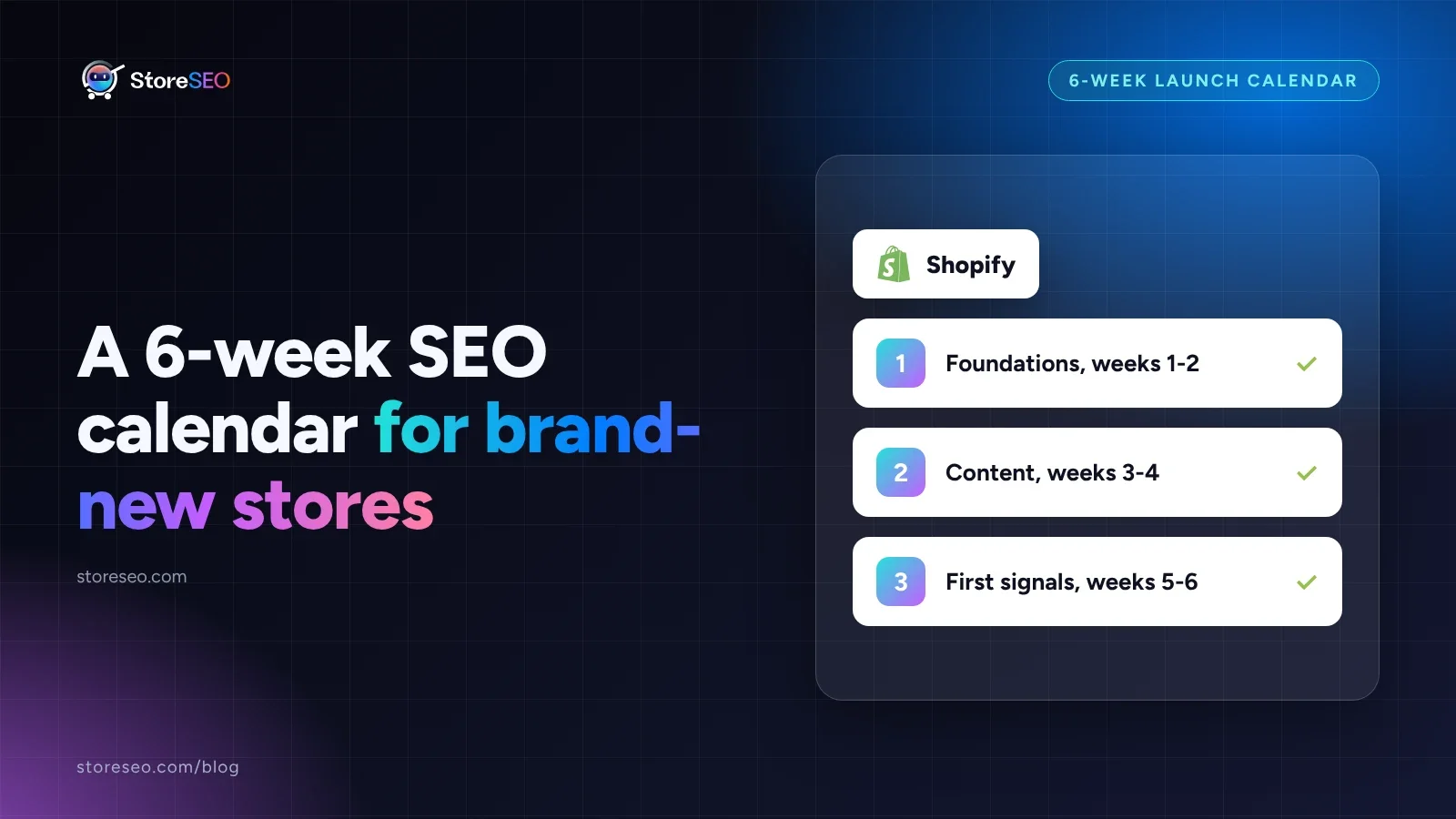
TL;DR: six weeks, six jobs, one action each week.
| Week | Focus | SEO task | AI-search task | Action |
|---|---|---|---|---|
| 1 | Foundations | Submit the sitemap and verify Search Console | Confirm robots.txt still allows AI crawlers | Submit the sitemap before anything else |
| 2 | Foundations | Replace every placeholder title and meta description | Add FAQ and Product schema to every live page | Fix every placeholder title |
| 3 | Content | Publish the first two or three guides or product stories | Write one clear, quotable answer per page | Ship content on a fixed day, not “when ready” |
| 4 | Content | Add alt text and a focus keyword to every product image | Run the AI Content Optimizer against real buyer language | Clear every missing alt text in one pass |
| 5 | First signals | Ask real customers for reviews | Check whether an AI assistant already mentions the store | Ask for reviews before launch excitement fades |
| 6 | First signals | Recheck Search Console coverage for new errors | Re-run the SEO score and fix whatever it still flags | Recheck coverage, do not assume week one held |
What Should You Do Before Google Has Even Found the Store?
Nothing in weeks one and two is optional, and none of it depends on content existing yet. First, submit the store’s sitemap and verify the property in Google Search Console: a brand-new site has no other sites linking to it yet, and Google’s own guidance on sitemaps is specific about why that matters. “Your site is new and has few external links to it,” it says. “Googlebot and other web crawlers crawl the web by accessing URLs found in previously crawled pages. As a result, Googlebot might not discover your pages if no other sites link to them.” A sitemap is the workaround: it hands Google a direct list instead of waiting for links that do not exist yet.
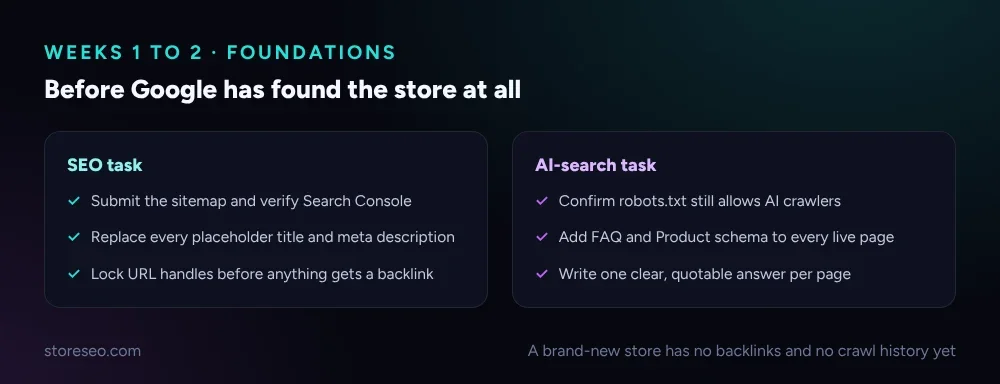 The two tracks run in parallel, not in sequence.
Second, replace every placeholder title and meta description before the store has any real traffic to lose. A theme’s default copy (“Welcome to our store”) is the version Google indexes first if nothing better has been written yet, and the first version a crawler sees sets the baseline every later edit gets compared against. If the launch already has a hard date attached, the 48-hour launch-day checklist covers the narrower, final-stretch version of this same idea. Third, confirm the store’s robots.txt (Shopify generates and serves it automatically) is not blocking the AI crawlers that now matter alongside Googlebot, and add FAQ and Product schema to whatever pages are already live, even with placeholder content, so the structure is in place before the copy is.
What Is Actually Worth Doing in Weeks Three and Four?
Nothing published in week three ranks by week four. That is normal, not a failure, and it is exactly why this is the cheapest time to do the unglamorous work properly instead of rushing it later under traffic pressure. Publish the first two or three guides or product stories on a fixed day rather than “whenever they are ready”: a date on the calendar sets the pattern every later post follows, and a store that waits for perfect timing usually waits past week six with nothing live.
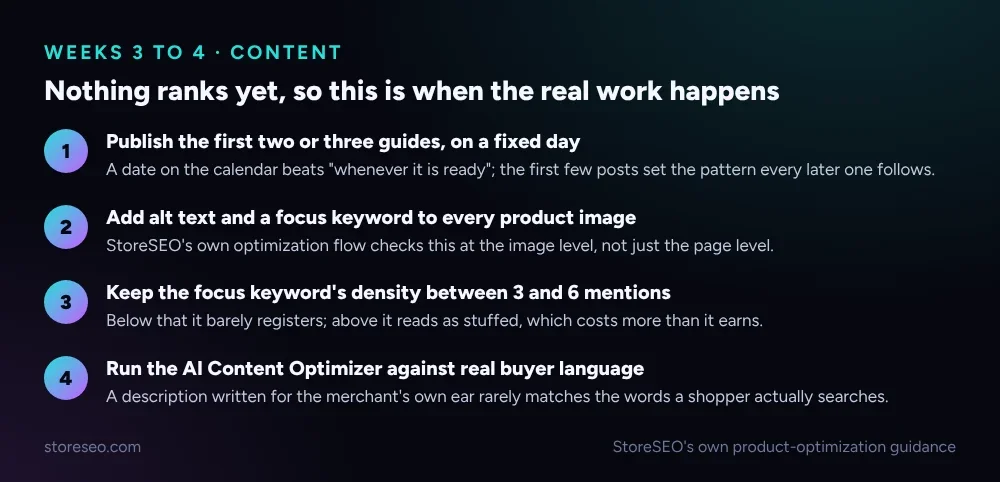 StoreSEO’s own product-optimization guidance, read 18 November 2026.
Every product image needs alt text and its focus keyword, checked at the image level, not just the page level: StoreSEO’s own optimization flow flags a product’s SEO score as incomplete until each image carries one. Keep that focus keyword’s density between 3 and 6 mentions in the product description, StoreSEO’s documented range for its own SEO Analysis: below that it barely registers with the checker, above it reads as stuffed, which costs more credibility than the extra mentions earn. StoreSEO’s AI Content Optimizer is useful here mainly as a second pass, run against the words a real shopper would actually search, because a description written in the merchant’s own voice rarely matches buyer language on the first draft.
What Turns Indexed Into Found in Weeks Five and Six?
By week five the mechanical setup is done and the real question becomes whether anyone outside the store has noticed it exists. Ask real customers for reviews now, while the launch is fresh in their mind; review requests sent months later get answered far less often, and reviews are one of the few outside signals a two-month-old store can actually generate on its own. Check, separately, whether an AI assistant already mentions the store at all when asked about its category or products; a plain, direct question to a couple of assistants costs nothing and tells a merchant whether the store has started showing up anywhere outside classic search.
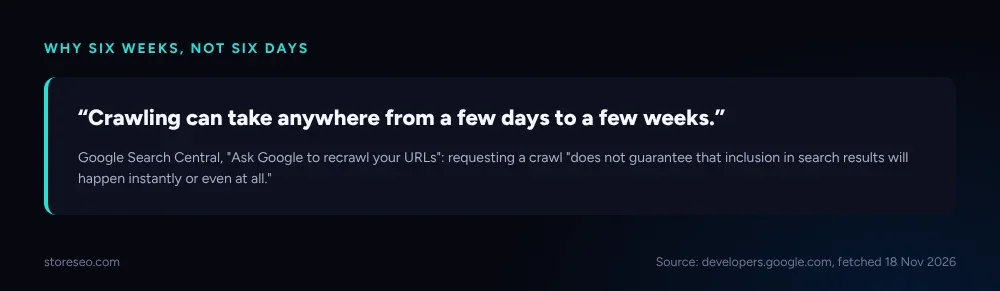 Source: developers.google.com, fetched 18 November 2026.
Week six is a recheck, not a new task list. Google’s own page on requesting a recrawl is blunt about the range: “crawling can take anywhere from a few days to a few weeks,” and a crawl request “does not guarantee that inclusion in search results will happen instantly or even at all.” That is the honest reason this calendar runs six weeks rather than two: a fix made in week one can still be sitting uncrawled in week three, and re-checking too early just produces a false “nothing worked” reading. Recheck Search Console’s coverage report for new errors, and re-run the store’s SEO score to see what it still flags once real content exists instead of placeholders.
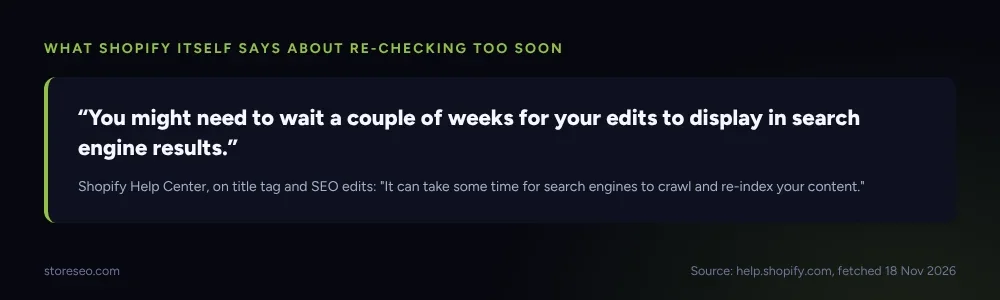 Source: help.shopify.com, fetched 18 November 2026.
Shopify’s own help documentation sets a similar floor from the platform side: “you might need to wait a couple of weeks for your edits to display in search engine results,” because “it can take some time for search engines to crawl and re-index your content.” Two separate first-party sources, Google’s and Shopify’s, both land on weeks, not days, which is the actual basis for this calendar’s length: it is built around what each platform states about its own crawl timing, not a round number picked for convenience.
What Can You Set Up Once and Leave Running?
A handful of tasks in this calendar are one-time setup that then runs without a weekly check. StoreSEO’s Bulk SEO optimization is the clearest example: once Auto AI Optimization is turned on, new products and pages get a baseline SEO pass automatically as they are added, instead of waiting for someone to run the same six-week routine again for every item added after launch. A keyword rank tracker and a Search Console email digest are the other two: both cost a few minutes to configure once and then surface problems on their own schedule rather than only when someone remembers to look.
This calendar answers what to do and when; it does not answer how long results take once the tasks are done; that is a separate, longer question covered in our month-by-month SEO ranking timeline. And for a merchant still deciding whether a dedicated SEO app is worth adding at all before working through any of this, native Shopify SEO versus an app covers that earlier decision directly. Either way, the ultimate Shopify SEO checklist is the fuller reference this six-week calendar is the fast-start version of.
Frequently Asked Questions (FAQs)
1. Do you need to wait the full six weeks before publishing more content?
No. The calendar sequences the highest-priority task for each week; it does not forbid doing more. A store with the time to publish five posts in week three instead of two should do it, as long as titles and schema from weeks one and two are already in place first.
2. What if Search Console shows zero impressions after week one?
That is expected, not a problem. Google’s own guidance says crawling alone can take days to weeks, and impressions depend on crawling finishing first. Check coverage status instead of impressions in week one; impressions are the week-six metric, not the week-one one.
3. Does submitting a sitemap make Google index the store faster?
It helps discovery, not speed on its own. A sitemap hands Google a direct list of URLs instead of relying on links from other sites, which a brand-new store does not have yet. It does not guarantee or shorten how long crawling and indexing themselves take.
4. Should reviews be requested before or after the store gets real traffic?
Before, while the launch is still fresh for the customers who already bought something. Review requests sent to buyers from months earlier are answered far less often, and early reviews are one of the few outside signals a brand-new store can generate without waiting on search traffic.
5. How is this different from a month-by-month SEO ranking timeline?
This calendar is a task list: what to do, in what order, in the first six weeks. A ranking timeline answers a different question, how long results take to show up once those tasks are done, which is covered separately rather than repeated here.
6. What should a store with hundreds of products do differently in weeks one and two?
The order stays the same, but StoreSEO’s bulk tools matter more immediately: Auto AI Optimization and bulk image alt text close the gap between “sitemap submitted” and “every page has a real title,” which otherwise takes far longer to do product by product.
Most of what breaks a new store’s first six weeks is not a hidden trick, it is skipping the boring half: a sitemap nobody submitted, a placeholder title nobody replaced, a recheck done in week two instead of week six. StoreSEO automates the repeatable parts of this calendar, bulk image alt text and ongoing optimization among them, without changing the order above. try StoreSEO on the Shopify App Store
Keep reading
Shopify SEO for B2B Wholesale Stores
A Shopify B2B store stays indexable when catalogs gate the price, not when a password gates the whole site, and that line decides your SEO outcome.
Read article
Why Is Only Part of Your Shopify Catalog Indexed?
Partial catalog indexing on Shopify almost always traces to one of four causes: new pages, a deliberate block, duplicate URLs, or crawl budget.
Read article
Noindex vs Nofollow vs Disallow: Shopify's 3 Blockers
Noindex removes a page from Google's results, nofollow stops credit passing through one link, and robots.txt disallow only blocks crawling, never indexing.
Read article