
The 30-Minute Weekly Shopify SEO Routine
 Written by M Asif Rahman
Thirty minutes a week catches most SEO problems before they cost rankings: a scan of your report for new issues, a check on Search Console, a glance at keyword movement, and a look for broken redirects. Monthly and quarterly passes catch the slower-moving problems a weekly glance cannot.
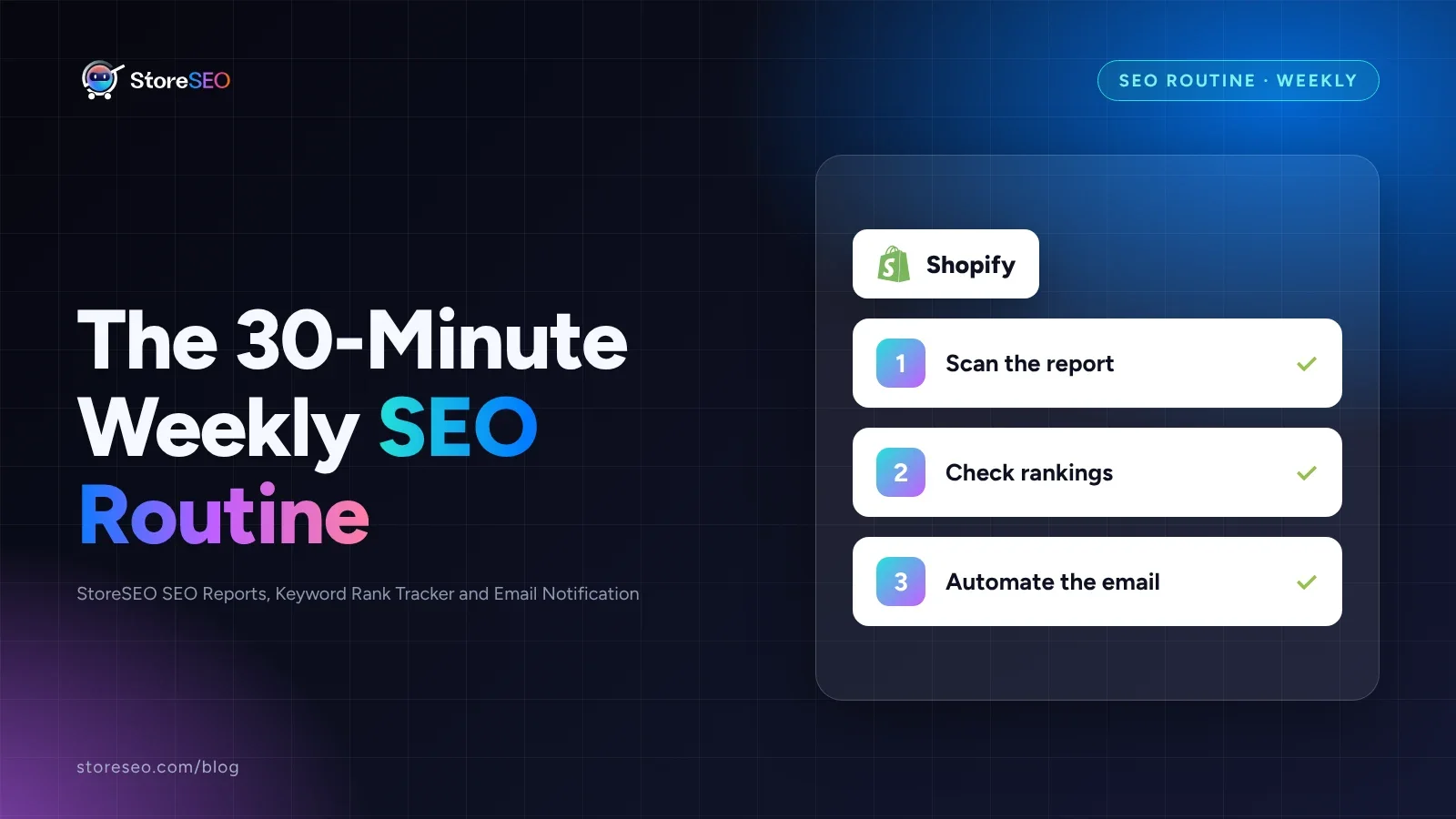
TL;DR: the 30-minute weekly routine, at a glance.
| Minute | Task | Tool | Action if it slips |
|---|---|---|---|
| 5 | Scan for new high-severity issues | StoreSEO SEO Reports | Fix it now, before it compounds |
| 10 | Check indexing and manual-action status | Google Search Console | File a fix for the indexing cause today |
| 5 | Skim movement on your priority keywords | StoreSEO Keyword Rank Tracker | Flag it for the monthly trend review |
| 5 | Look for new 404s or redirect chains | StoreSEO Bulk URL Redirect Manager | Redirect it once, remove any chain |
| 5 | Log anything that needs a fix | A task list or the next sprint | Schedule it; never fix mid-scan |
What Should You Check Every Week?
Thirty minutes, once a week, same day if you can manage it, catches the issues that compound the longest if left alone: a product that quietly lost its meta description, a redirect loop from a recent collection rename, a keyword that started sliding before anyone noticed.
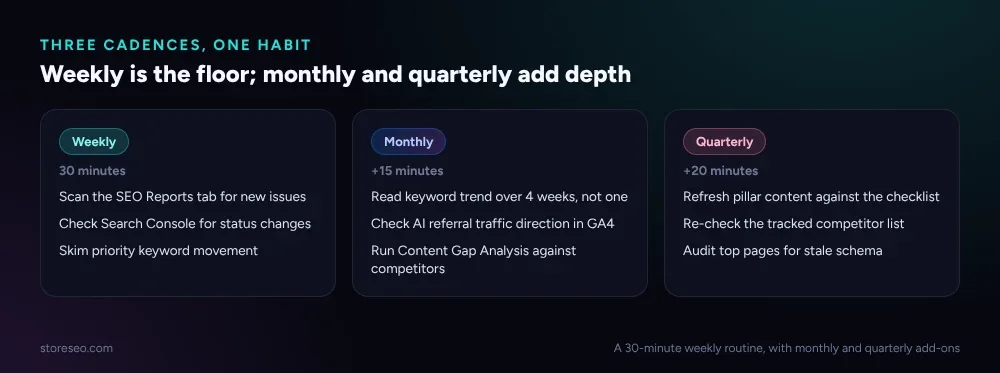 Weekly is the 30-minute floor; monthly and quarterly add the checks a week is too short to catch.
Start in StoreSEO’s SEO Reports tab. It shows your Overall Score and Total Issues across every product, page and blog post in one place, so a new critical issue stands out against last week’s baseline without opening each item individually.
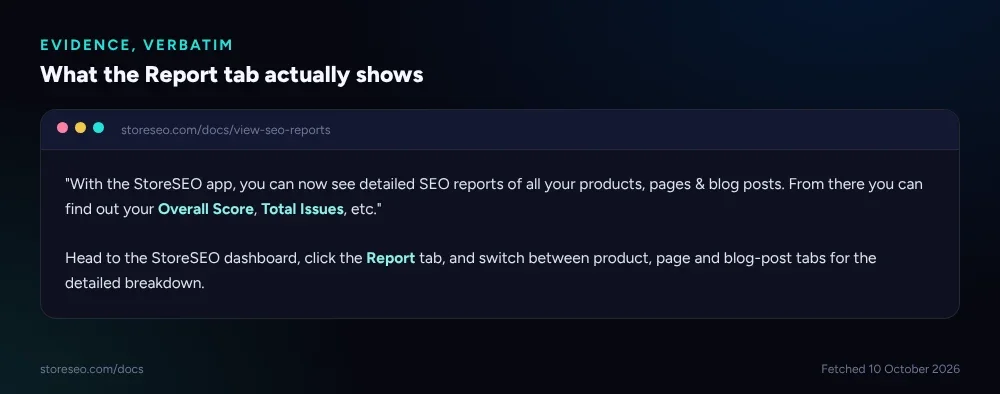 The Report tab’s own description of what it shows, fetched 10 October 2026.
From there, check Google Search Console for anything new: a jump in “Discovered, currently not indexed,” a manual action, a sudden drop in a query that used to send clicks. Our Search Console indexing statuses guide explains what each status actually means if something changed.
Then skim your tracked keywords in StoreSEO’s Keyword Rank Tracker. A five-spot drop on a priority term is worth a look; normal week-to-week noise is not. Finish with a quick scan for new 404s or redirect chains, especially after any recent collection or URL change, and write down anything that needs a fix rather than fixing it mid-scan. The routine works because it stays a scan, not a repair session.
What Should You Add Every Month?
A week is too short a window to judge a trend, so the monthly pass looks at movement instead of single data points.
Review your Keyword Rank Tracker trend over the full month, not just this week’s snapshot: a keyword drifting down slowly across four weeks is a different problem than one that dipped and recovered. StoreSEO’s tracker compares against up to five competitor URLs you configure yourself, so the monthly check is also where you see whether a specific competitor is the one gaining the ground you are losing.
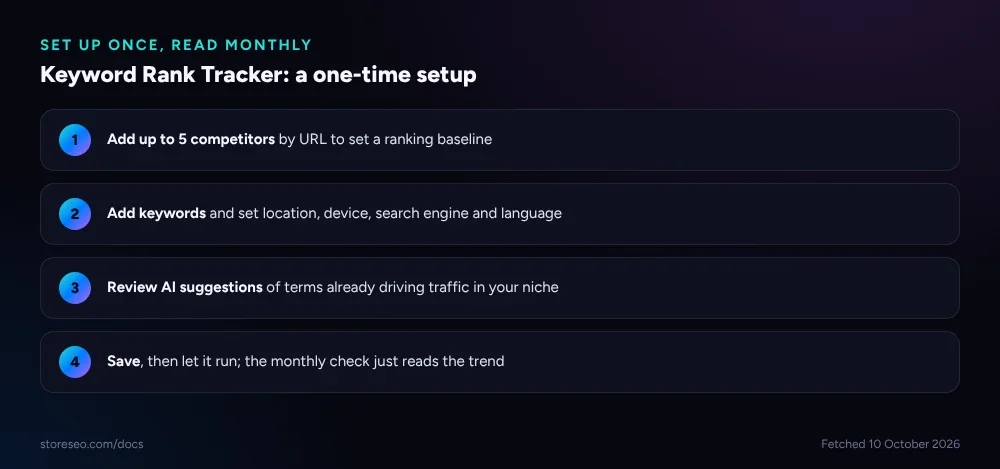 Competitors and keywords are configured once; the weekly and monthly checks just read the result.
Pair that with a monthly look at your AI referral traffic in GA4. Our tracking ChatGPT and Perplexity traffic in GA4 guide covers the setup; the monthly habit is just checking whether that channel is growing, flat or shrinking against your other sources. Finally, run StoreSEO’s Content Gap Analysis against your top competitors once a month. A weekly cadence is overkill for gap analysis since competitor catalogs do not change daily, but a month without checking is long enough for a real gap to open and for a competitor to fill it first.
What Should You Check Every Quarter?
Some problems only show up on a longer clock. Once a quarter, revisit your pillar content against our ultimate SEO checklist: a page that ranked well two quarters ago can lose ground simply because a competitor refreshed theirs and yours did not move.
Re-check your full competitor list in Keyword Rank Tracker too, not just the keyword trends. Stores enter and leave a niche over a quarter, and a tracker still comparing against a competitor who rebranded or shut down is wasting one of your five tracked slots. Use the quarter to also audit your highest-traffic pages for schema accuracy: a product that changed price, availability or category since launch can leave stale structured data behind that nobody caught in a 30-minute weekly scan.
How Do You Automate the Boring Parts?
The weekly scan still needs a human to read it and decide what matters, but getting the report into your inbox does not need a login. StoreSEO’s Email Notification feature sends your Overall Product Optimization Report and your Auto AI Content Optimization Report on a day and time you choose, so the weekly routine starts from an email already sitting in your inbox instead of a dashboard you have to remember to open.
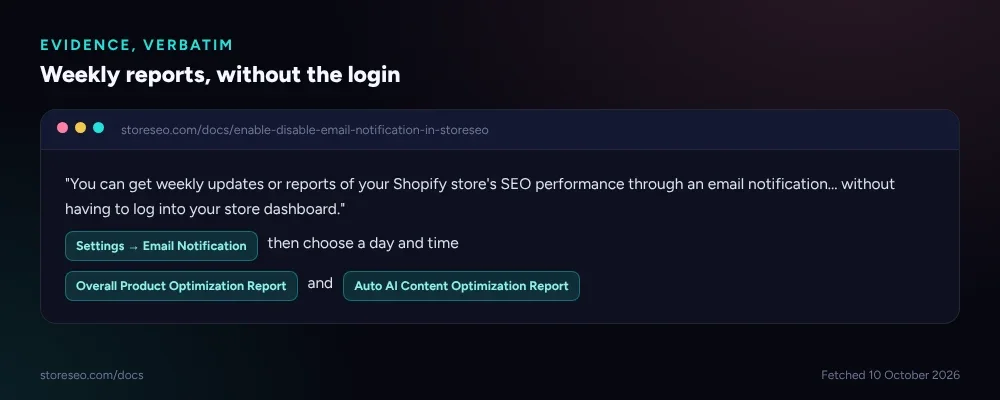 Email Notification’s own description, plus the two report types it can send, fetched 10 October 2026.
Turn it on from StoreSEO’s Settings menu under Email Notification, enable the report types you want, and set the day and time that lines up with your own weekly slot. It does not replace the 30-minute scan, since a report cannot assign a fix to a redirect chain or decide a keyword drop is worth escalating, but it removes the one step most routines actually skip: remembering to log in and look in the first place.
Frequently Asked Questions (FAQs)
1. Do I really need to do this every week?
The 30-minute version catches the issues that get worse the longer they sit, like a redirect chain or a newly unindexed page. If you skip a week, nothing breaks immediately, but a missed critical issue has a week longer to cost you clicks before the next scan catches it.
2. What if I do not have 30 minutes every week?
Do the 5-minute Report tab scan and the Search Console check first; those two catch the issues most likely to actively cost traffic. The keyword and redirect checks matter more over a month than a single week, so they can slide a week without much cost.
3. How is the monthly check different from the weekly one?
The weekly check looks for anything new. The monthly check looks at trend lines, keyword movement over four weeks, AI referral traffic direction, and competitor Content Gap Analysis, none of which a single week of data can show clearly.
4. Do I need StoreSEO specifically to run this routine?
The weekly, monthly and quarterly checks are things any Shopify store should do regardless of tooling. StoreSEO’s SEO Reports, Keyword Rank Tracker and Email Notification features are what make the routine take 30 minutes instead of an afternoon of checking several separate tools by hand.
5. What counts as a “priority keyword” worth watching weekly?
The keywords you have actually added to a rank tracker rather than every term your store could theoretically rank for. StoreSEO’s tracker also suggests related terms already driving traffic in your niche, which is a reasonable way to decide which ones earn a tracked slot.
6. Can the email reports replace the manual routine entirely?
No. The reports tell you a score changed; they do not tell you whether a redirect chain needs fixing today or can wait, and they do not read Search Console for you. Treat the email as the routine’s starting point, not a substitute for the 30-minute scan.
Thirty minutes a week, with a monthly and quarterly top-up, is a small enough habit to actually keep, which is the real advantage over a bigger audit that gets postponed indefinitely. If you want the Report tab, Keyword Rank Tracker and Email Notification feeding that habit automatically, try StoreSEO on the Shopify App Store.
Keep reading
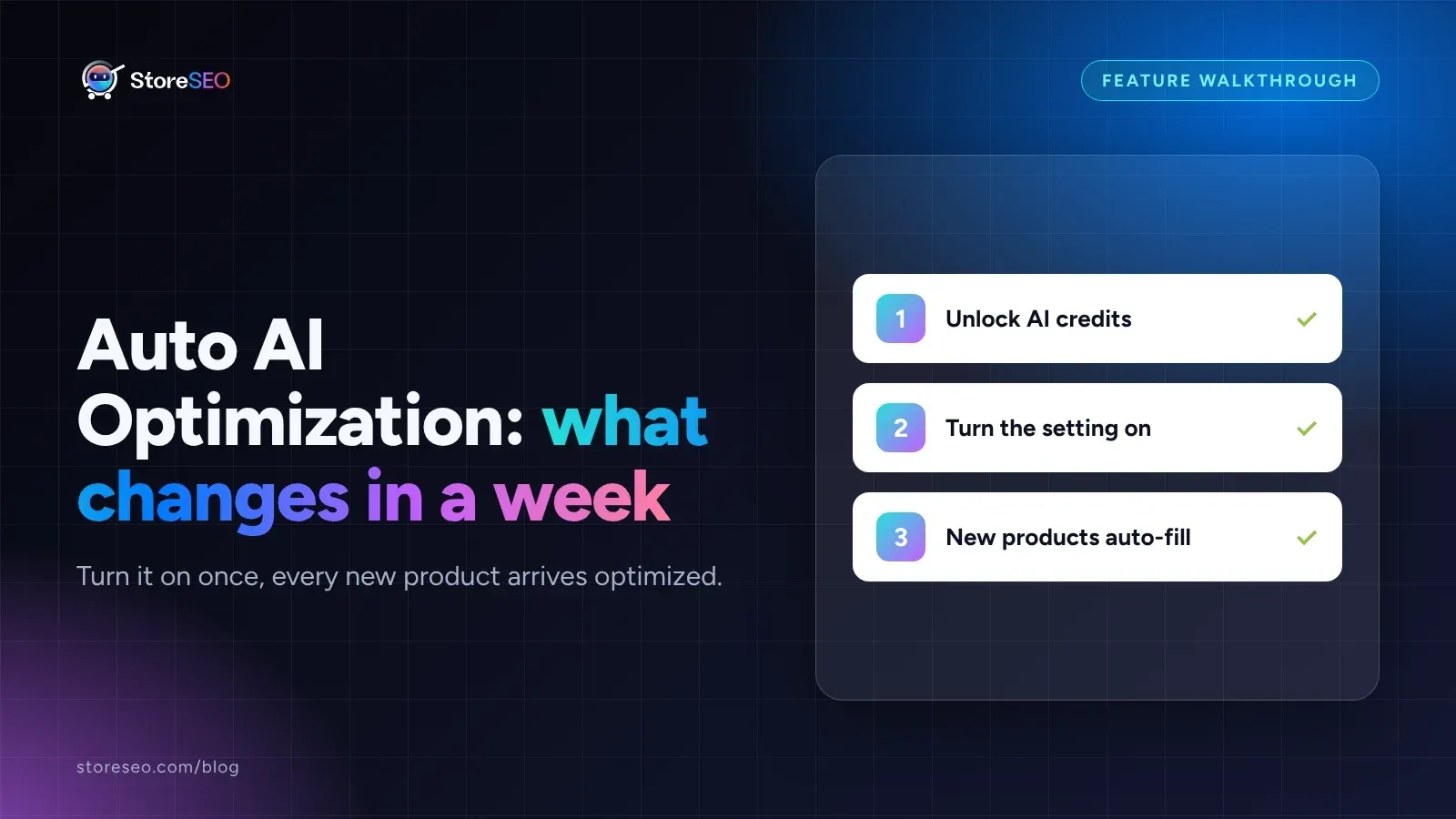
Turn On Auto AI Optimization: What Changes in a Week
Turning on Auto AI Optimization takes about five minutes; the visible change in your catalog builds up over roughly a week as new products arrive.
Read article
Why Isn't AI Referral Traffic Showing in StoreSEO?
AI referral traffic in StoreSEO usually shows zero because the Web Pixel just went live, no AI visit has landed yet, or the plan or consent blocks it.
Read article
Fix Log: Cutting a Meta Description From 220 to 155
We trimmed one Shopify product's meta description from 220 characters to 155 and tracked exactly what moved in its live Google search snippet.
Read article